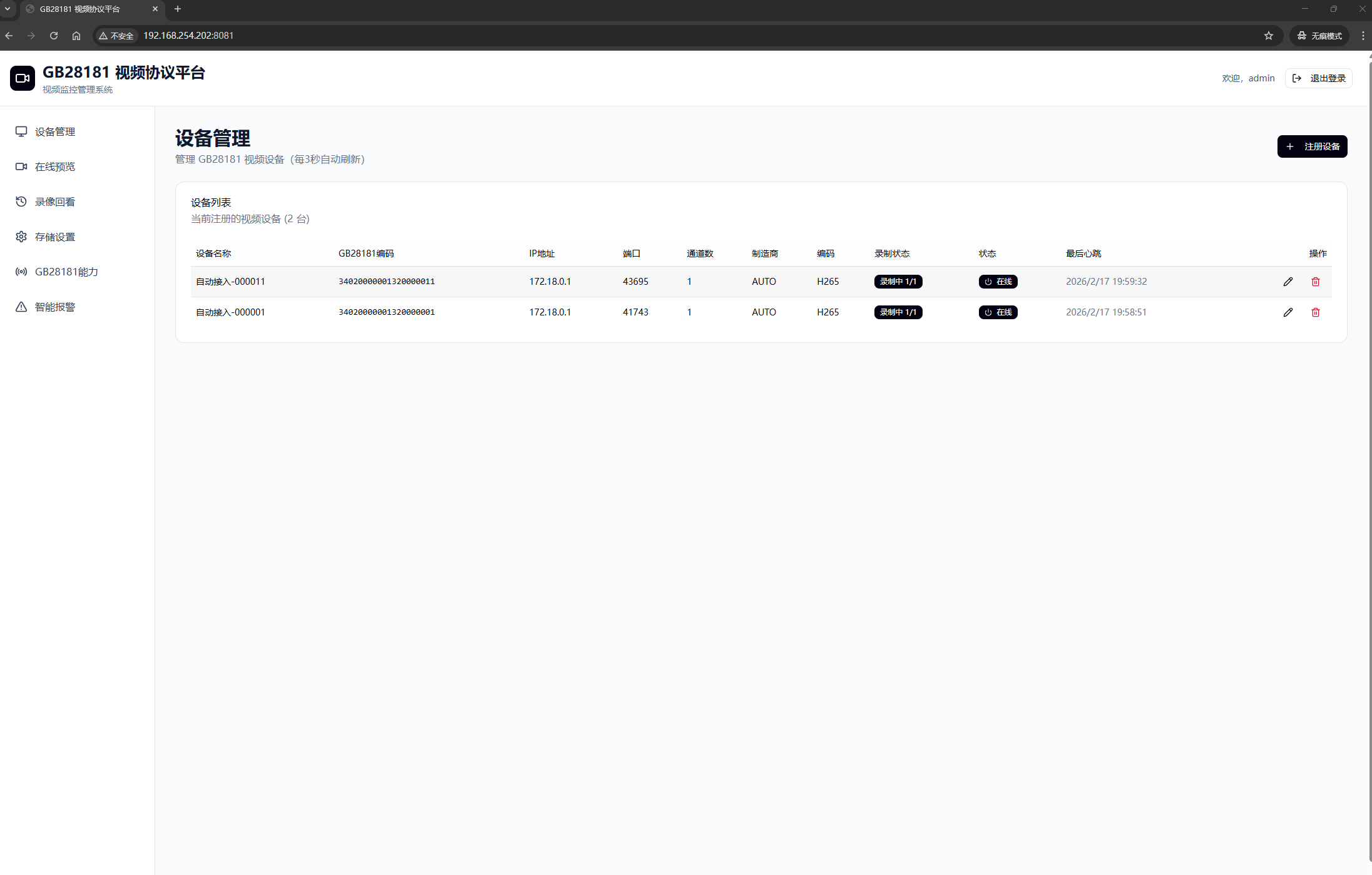
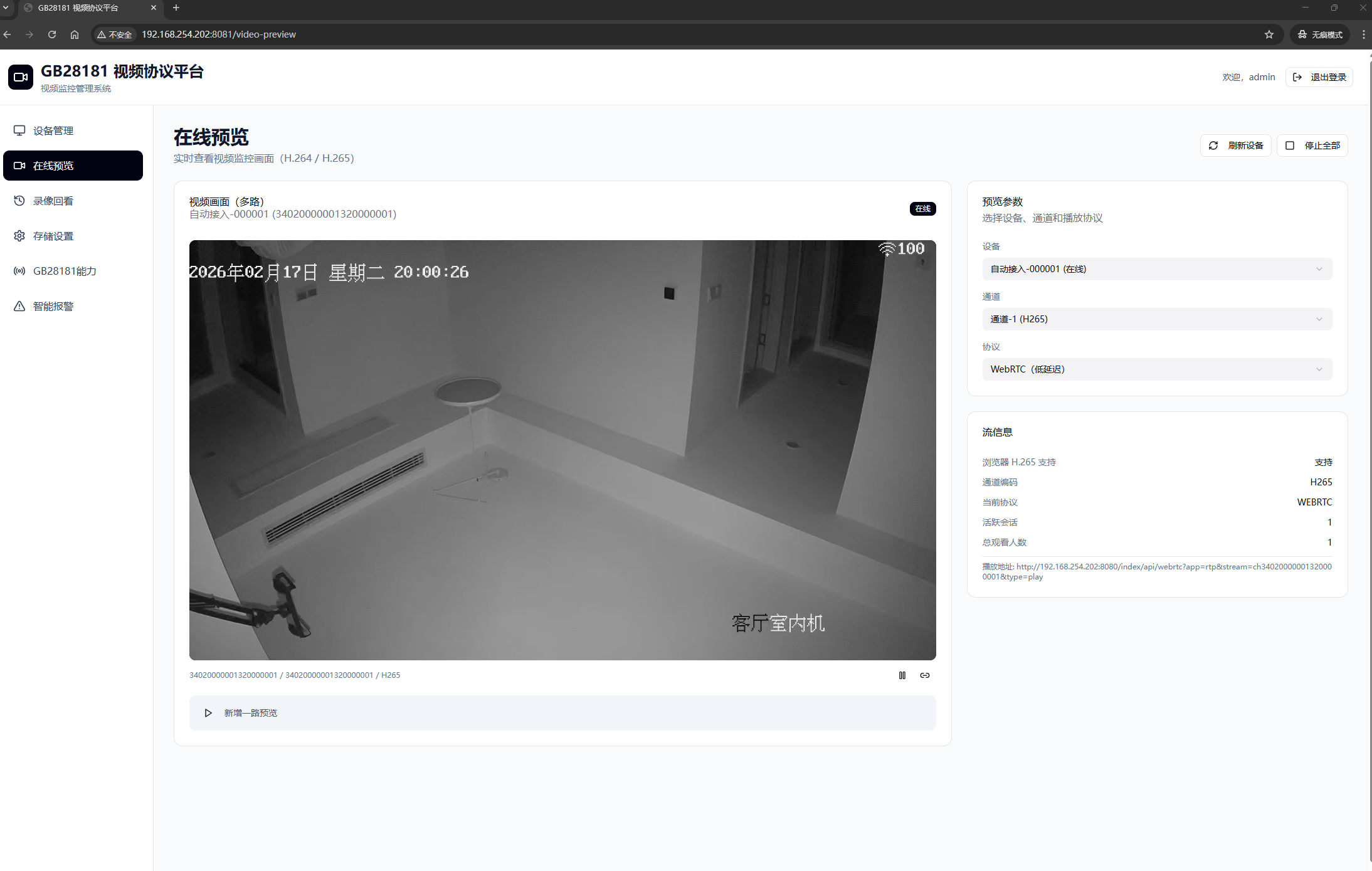
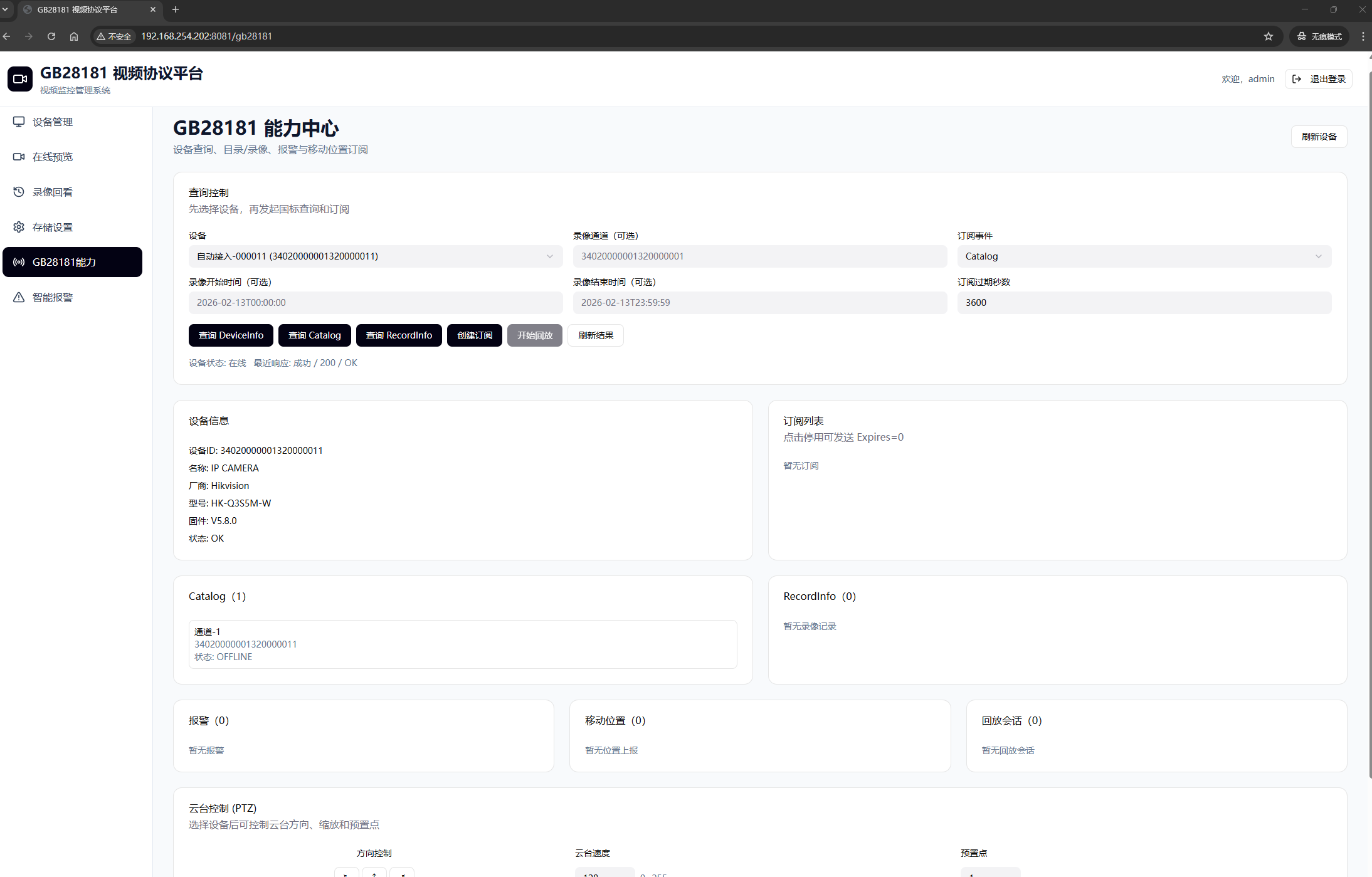
A few months ago, I did something “crazy”: I transformed Headscale—a project originally designed for single-node deployments—into a distributed system supporting cluster mode. The core change was elegantly simple: introducing a Cluster ID mechanism. With this ID, multiple Headscale instances now collaborate like Lego bricks, scaling horizontally without limits. Users no longer fear single-point failures, node counts can effortlessly surpass thousands, and—best of all—users can seamlessly switch nodes with a single click. The teacups from those late-night coding sessions still clutter my desk, but watching cluster traffic glide smoothly made every sip worth it.

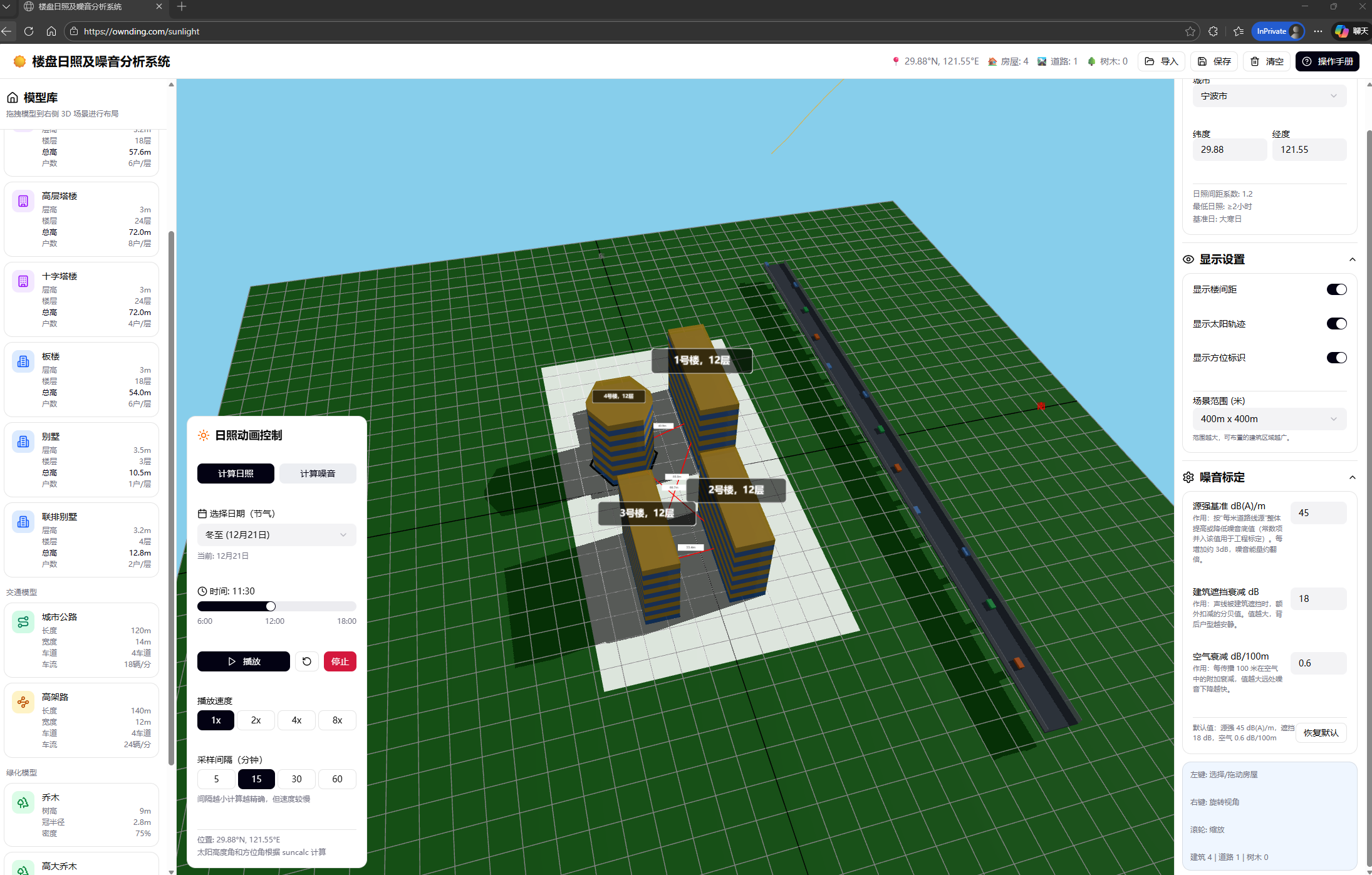
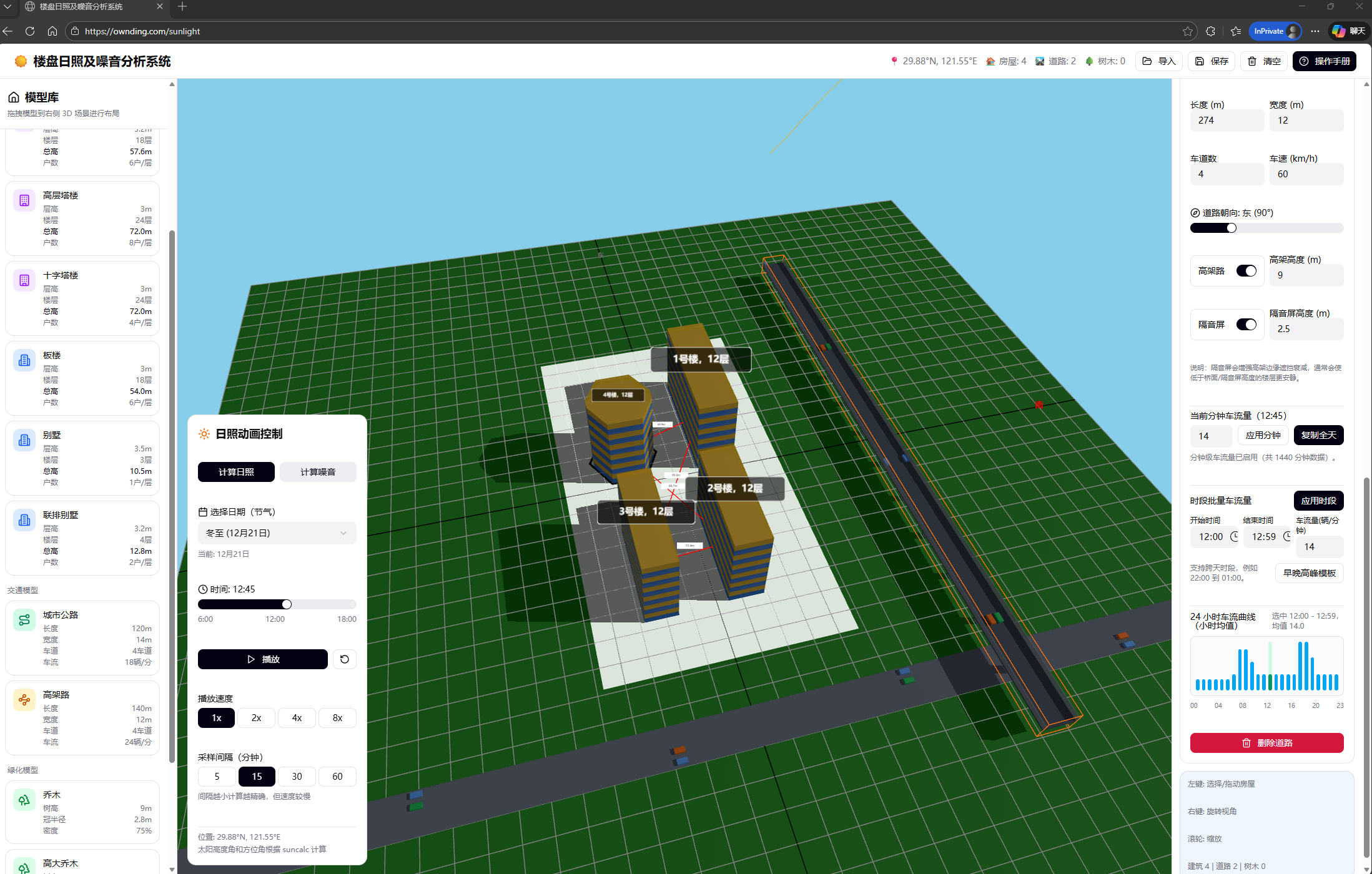
Over the past month, I’ve dived into an even deeper challenge: multi-tenancy transformation. The mission was clear—to make Headscale operate like Tailscale’s official service, enabling isolated networks for multiple teams and clients. Imagine this: Marketing, Engineering, and an external contractor team each own their private network realm. Devices stay invisible across boundaries, policies are delegated per team, and billing splits cleanly by tenant. Technically, I implemented tenant isolation across authentication layers, data layers, and other critical components—all fused with our existing Cluster ID capability. This finally evolved the monolithic architecture into a true “cluster + multi-tenancy” dual-engine system. Today, it doesn’t just handle massive node loads; it ensures tenants coexist on the same physical node yet remain “blissfully unaware of each other’s existence.” We’ve crossed from a personal-SaaS tool into a unified platform serving both individuals and enterprises. Beyond this, months of applying Tailscale/Headscale in industrial settings have expanded our vision: our solution now scales from personal networks and enterprise IT to smart manufacturing and beyond.

Let’s be honest—this felt like rebuilding an airplane mid-flight. ACL policy collisions, tenant quota overflows, cross-cluster sync delays… bugs hunted me down relentlessly. But the moment two tenants’ devices came online simultaneously in the test environment—without a single byte leaking between them—sent a jolt through me sharper than dousing my face with ice water in winter.

Right now, the entire system is in intense development and debugging phases. Performance stress tests, audit trails, tenant self-service dashboards… these puzzle pieces are snapping into place. We’ve never stood closer to an enterprise-grade Headscale. I can’t wait to share the full blueprint with you soon. This time, the open-source world might truly sprout wings strong enough to rival commercial giants.

web

尾巴甩一甩,双城生活像开了挂:我的跨城联网“耍赖”记

朋友们,你们有没有过这种抓狂时刻?上周六晚上,我正躺在B市老家的沙发上啃鸭脖,刷到A市家里电脑上存着的《猫和老鼠》4K修复版——馋得我直咽口水。要是搁五年前,我只能哀嚎着爬起来买高铁票,或者对着云盘转圈圈等下载。但现在?我掏出iPad,点开那个小狐狸头图标,十秒后,A市电脑的桌面就活蹦乱跳地出现在我眼前。延迟?不到20毫秒!汤姆追杰瑞的动画丝滑得像在客厅投影仪上播,连鸭脖的油都顾不上擦了。

说来话长,我家是“双城玩家”:工作日扎根A市(联通宽带老铁),周末窜回B市(移动宽带盟友)。以前远程办公?简直是渡劫——TeamViewer转圈圈,QQ远程卡成PPT,有次开视频会议,同事问我:“你背景音是拖拉机在耕地吗?” 我默默翻了个白眼,决定自救。

于是,我捣鼓起了自建Headscale(Tailscale的平替版,懂的都懂)。架设过程?咳,踩坑无数:路由器设置像解九连环,防火墙规则看得我眼冒金星。但一通“sudo”乱炖后,奇迹发生了——我家两台宽带,一个联通一个移动,原本像两个互掐的广场舞队(“你信号强?”“你网速快?”),居然被IPv6强行撮合成了好基友!两家都测过IPv6,通得像村口小卖部的WiFi,P2P直连?稳了!

ping

ipv6test

最绝的是出门带iPad的体验。接上Tailscale的“魔法尾巴”(对,我就爱叫它尾巴,甩一甩就能回家),它自动嗅到A市电脑,像狗狗认主似的直连。用微软远程桌面操作?流畅到离谱!上周在B市咖啡馆改方案,同事偷瞄我屏幕:“你这不像远程啊,像本地开机?” 我得意一笑:“秘密是——我给网络装了火箭推进器。” 延迟18ms,打《原神》都能躲开钟离的岩脊,更别说办公时拖拽Excel像玩贪吃蛇了。

异地生活从此开挂:

  • 上班摸鱼? 不,是高效办公!B市早高峰地铁上,我用iPad给A市电脑渲染视频,到公司直接交片,老板以为我通宵了(其实我在被窝刷剧)。
  • 休闲娱乐? 周末回B市陪爸妈,饭后窝在阳台用iPad连A市电脑打《双人成行》,老爹凑过来看:“这游戏机挺新潮啊?” ——嘿嘿,您闺女在跨城云蹦迪呢。
  • 应急救星? 有次忘带U盘,B市亲戚急要照片。我远程连A市电脑导出,5分钟搞定。亲戚惊了:“你这网,比我家猫跑得还快!”

这方案让我觉得:所谓“家”,早就不限于四面墙了。它是一串IPv6地址,一条P2P隧道,外加一只甩来甩去的“狐狸尾巴”。

ipv6test

如果你也双城奔波,别再被运营商PUA了!折腾下Tailscale+IPv6,成本低到只花你一杯奶茶钱(电费另算,哈哈)。记住啊,网络世界里,距离不是问题——只要尾巴够长,心(和电脑)永远在手边。

最后灵魂一问:下次回B市,我要不要在A市电脑挂个自动煮咖啡的脚本?尾巴一甩,咖啡香飘三百公里…算了,先让我把鸭脖吃完。

(P.S. 联通移动的哥们别找我打广告,真香警告!)

—— 一个靠“尾巴”续命的数字游民,于B市阳台啃鸭脖时手打 🦊✨

Tailscale 在加入域的 Windows 电脑上运行异常:一次典型的“进程用户不一致”问题复盘

在日常使用 Tailscale / Headscale 进行企业级组网时,很多问题并不出现在协议、NAT、DERP 或控制面,而是发生在操作系统层面的细节

本文记录一次真实遇到的问题:
同一套 Tailscale CLI 用法,在普通 Windows 电脑上一切正常,但在“已加入域(Domain Joined)”的 Windows 电脑上,却出现无法连接本地守护进程、401 Unauthorized 等异常。

问题本身并不复杂,但非常具有迷惑性,也很容易在企业环境中反复踩坑。


一、问题现象

在一台 已加入 AD 域的 Windows 电脑 上,使用 Tailscale CLI 方式运行(而非 Windows 服务模式)时,出现以下典型现象:

  • 执行 tailscale up 时提示:

    • 无法连接到本地的 tailscaled 进程
  • 执行 tailscale logout / status 时返回:

    • 401 Unauthorized
    • 提示当前 Tailscale 正在以 server / unattended mode 运行
    • 并明确指出:
      后台运行的用户 ≠ 当前 CLI 所属的用户

更让人困惑的是:

  • 两个命令窗口都是“以管理员身份运行”
  • 同样的操作,在未加入域的电脑上完全正常

这很容易让人误判为:

  • 域策略限制
  • 防病毒 / EDR 拦截
  • 防火墙或端口问题
  • Headscale 权限配置错误

但实际上,都不是。


二、核心原因:Windows 上的“进程用户” ≠ “管理员权限”

1️⃣ Windows 的一个关键事实(很多人会忽略)

在 Windows 上:

“以管理员身份运行” ≠ “使用同一个用户运行”

尤其在 域环境 中,常见的用户至少包括:

  • 本地管理员(HOSTNAME\Admin
  • 域用户(DOMAIN\Username
  • SYSTEM(系统服务)

它们之间的区别不仅是权限,还包括:

  • 不同的 用户 SID
  • 不同的 用户 Profile
  • 不同的 LocalAppData / Registry / Named Pipe / IPC 权限

2️⃣ Tailscale CLI 的工作方式(关键点)

在 Windows 上,Tailscale 的架构是:

  • 一个 后台守护进程(tailscaled)
  • 一个或多个 前台 CLI(tailscale)

两者通过 本地 IPC 通信。

重要约束:

Tailscale 的 CLI 只能与“同一用户上下文”下运行的 tailscaled 进行通信

一旦出现以下情况:

  • tailscaled 是由 用户 A 启动的
  • tailscale CLI 是由 用户 B 运行的(即便都是管理员)

那么结果就是:

  • CLI 连接不上后台
  • 或直接返回 401 Unauthorized

三、为什么“加入域”后更容易触发?

在未加入域的普通 Windows 电脑上,常见情况是:

  • 所有人都用同一个本地管理员
  • 用户切换、权限边界不明显
  • 很难无意中启动“不同用户的后台进程”

而在 域环境 中,情况会复杂很多:

  • 电脑加入域后,日常登录的是 域用户

  • 某些运维操作、脚本、历史命令,可能是用 本地管理员 执行的

  • 甚至可能:

    • 第一次启动 tailscaled 用的是本地 Admin
    • 之后日常操作用的是域账号

于是就出现了:

后台 tailscaled 被“某个用户”占用,而你已经无法用当前账号再控制它

这正是 401 报错中提示 “connection from XXX not allowed” 的真实含义。


四、为什么有时会同时看到两种错误?

不少人会遇到一种更“诡异”的组合现象:

  • tailscale up → 提示连不上后台
  • tailscale logout → 却返回 401 Unauthorized

这通常意味着:

  • 后台进程 存在,但不在当前用户上下文
  • IPC 有时能探测到,有时不能
  • CLI 对不同命令路径的校验逻辑不同

本质仍然是:用户不一致导致的控制权问题


五、正确、稳定的解决方案

✅ 方案一(推荐):显式指定 state 目录,统一为机器级状态

在域环境中,最稳妥的方式是:

让 tailscaled 的状态不依赖任何“用户 Profile”,而是固定在机器级目录

例如使用:

1
.\tailscaled.exe --statedir=C:\ProgramData\Tailscale

这能解决多个关键问题:

  • 不同用户登录不会产生多份 state
  • 不会因为切换账号而“变成新设备”
  • 减少用户 SID 差异带来的 IPC/权限问题
  • 更符合企业服务器 / 运维主机的使用习惯

这是本文场景中最终生效、且最干净的解法。


✅ 方案二:严格保证“后台与 CLI 使用同一账号”

如果你坚持用 CLI 方式运行(而非 Windows 服务):

  • 必须确保:

    • 启动 tailscaled 的账号
    • 后续执行 tailscale CLI 的账号
      完全一致

仅仅“都是管理员”是不够的。


⚠️ 不推荐但可用:频繁 kill 后台重启

在调试阶段,有人会选择:

  • 手动结束 tailscaled
  • 重新用当前用户启动

这在测试时可行,但在企业环境、自动化、长期运行场景下并不可靠。


六、经验总结

这次问题的本质不是 Tailscale 或 Headscale 的 bug,而是:

Tailscale 在 Windows 上严格遵循“进程用户边界”,而域环境放大了这一差异

记住这几条,就能避免 90% 的类似问题:

  1. Windows 域环境 ≠ 单用户桌面环境
  2. 管理员权限 ≠ 相同用户身份
  3. CLI ↔ 后台通信,强依赖用户上下文
  4. 企业/域环境下,优先使用机器级 state 目录

七、写在最后

如果你正在用 Tailscale / Headscale 构建企业级、工业级、跨地域的组网方案,
那么这类 “操作系统层面的细节” 往往比协议本身更容易成为隐性故障源。

理解它、规避它,系统就会稳定得多。

如果你后续还遇到:

  • 域环境 + unattended mode
  • 多用户登录导致设备重复
  • Windows Server 上的 Tailscale 行为差异

这些其实都属于同一类问题的不同表现

问题

自建的headscale服务,在3台设备上登入同一个账号。这三台设备有2台是 windows电脑,记作A、B,1台是 Linux边缘网关记作C。三台都登入后,在ACL设置规则让3台设备互通,但是发现一个问题,即A、B可以相互 ping 通,A、B任何一台都无法 ping 通 C。只有当ssh到C设备,在C设备发起 ping A或B 后(可以 ping 通A、B),同时 A、B就能 ping 通 C了。
在 C 上使用 tailscale netcheck 命令发现如下信息:

1
2
3
4
5
6
* UDP: true
* IPv4: yes, 115.199.109.106:49676
* IPv6: no, unavailable in OS
* MappingVariesByDestIP: true
* PortMapping: UPnP
* Nearest DERP: hw-shanghai

先说结论:
这个现象本质上是 C 在一个“比较难搞的 NAT + UPnP 环境”里,在它主动往外发一次包之前,Tailscale 没有为它准备好一个“可从公网直接打进来的端口映射”,所以 A/B 先打它时没路可走;等 C 主动 ping 一下 A 之后,通过 UPnP 成功在路由器上开了一个外部 UDP 端口,从那一刻起其它节点就能主动连到 C 了,所以你看到“C 先发一次之后就都通了”的效果。


1. 先解读一下 netcheck 的两组输出

C(嵌入式网关)上的 netcheck

1
2
3
4
5
6
* UDP: true
* IPv4: yes, 115.199.109.106:49676
* IPv6: no, unavailable in OS
* MappingVariesByDestIP: true
* PortMapping: UPnP
* Nearest DERP: hw-shanghai

关键点:

  • MappingVariesByDestIP: true
    说明 C 后面的 NAT 是 hard NAT / symmetric NAT,也就是“对不同目的地址会用不同的 (IP, port) 映射”,属于比较难穿的那种 NAT。(tailscale.com)
  • PortMapping: UPnP
    说明 tailscaled 在 C 上 成功通过 UPnP 在你家路由器上申请了一个外部端口映射(本质上就是给 41641/UDP 开了个洞),借助这个端口映射,哪怕后面依然是 hard NAT,也有机会做到“外面主动打进来”。(tailscale.com)

官方文档的解释是:

  • MappingVariesByDestIP = true → “这个设备在不同 DERP 上看到的外网 (IP,port) 不一样,基本就是 hard NAT,只靠 UDP 打洞很难搞,通常只能走 DERP 中继”。(tailscale.com)
  • PortMapping = UPnP → 设备通过 UPnP / NAT-PMP / PCP 之类协议可以在路由器上开端口,这会把它从“完全 hard NAT”拉回到“相对容易打洞的 NAT”,提高直连成功率。(tailscale.com)

A(Windows)上的 netcheck

1
2
3
4
5
* UDP: true
* IPv4: yes, 123.152.221.80:55074
* IPv6: no, but OS has support
* MappingVariesByDestIP: false
* PortMapping:
  • MappingVariesByDestIP: false → A 所在网络是 easy NAT 或无 NAT,端口映射对不同目的地址是稳定的,属于很好穿的类型。(tailscale.com)
  • PortMapping: 为空 → 说明 A 侧路由器没有用 UPnP/PCP/NAT-PMP 做额外端口映射,但因为 NAT 本身是“easy”的,所以也不需要。(tailscale.com)

所以整体形势是:

  • A / B:在一个 easy NAT / 普通家用 NAT 后面,比较好打洞。
  • C:在一个 hard NAT + 支持 UPnP 的路由器 后面,理论上可以通过 UPnP 把它变成“可被外界直接访问”的节点,但前提是 UPnP 端口映射已经真正建立

2. 为啥“一开始 A/B ping 不通 C,C 先 ping 一下 A 之后就都好了”?

结合 Tailscale 的连接流程,可以大致这样理解:(tailscale.com)

  1. 刚开始时的状态

    • C 刚上线,tailscaled 还没完全跑完所有探测 / 打洞 / UPnP 端口映射逻辑,或者 UPnP 端口映射还没建立好。

    • 从 headscale 的角度,它知道 C 的存在,但 对 C 的“可达外网端点(external endpoint)”信息还不稳定

    • 这时候 A/B 看到 C 在线了,就开始往 C 的 100.x IP 发 ICMP ping:

      • OS 把 ICMP 包扔进 tailscale0;

      • tailscaled 尝试用当前掌握的 C 的 endpoint 建立 WireGuard 通道;

      • 由于 C 这边 NAT 比较凶(MappingVariesByDestIP:true),再加上此时可能还没搞定 UPnP 端口映射/打洞,导致:

        • 直连 UDP 打洞暂时失败;
        • DERP 也还在尝试协商 / 或者路径不稳定;
      • 结果就是:从 A/B 看起来就是 “ping 不通 C”。

  2. C 主动 ping A 时发生了什么

    当你在 C 上执行 ping 100.x.x.x(A)tailscale ping A 的那一刻,会触发一堆事情:

    • C → headscale/DERP 方向会有新的 DISCO / STUN / netmap 相关流量:

      • tailscaled 再次探测外网出口,更新自己的 (公网IP, 端口) 组合;
      • 再次执行或刷新 UPnP 端口映射,在路由器上为 C 打开一个稳定端口(你 log 里那几行 UPnP reply 就是这个过程)。
    • headscale 收到 C 更新后的网络信息后,会把 最新的 endpoint/portmapping 信息 发给 A/B。

    • A/B 端的 tailscaled 收到更新后再试着连 C,此时:

      • 要么能通过 C 的 UPnP 映射端口 直接打进来;
      • 要么至少能可靠地通过 DERP 建立中继通路。
    • 于是,你看到:

      • C ping A 正常;
      • 紧接着再 A ping C 也突然开始正常了。
  3. 为什么后面重启 C / 重启 A 之后依然能互通?

    有两种常见情况都能解释你看到的“之后一直通”:

    • UPnP 映射在路由器里是持久的或长时间不失效
      很多家用路由的 UPnP 映射要么:

      • 写进配置(重启客户端不丢),
      • 要么有很长的超时时间(比如几个小时甚至更长);
        只要路由器本身没重启、没有清表,这个 外部端口 → C:41641 的映射就一直在。
        所以哪怕 C 重启、A 重新登录,新的 tailscaled 继续用这个端口,A/B 都能直接打进来。
    • 即便 UPnP 映射后来过期,硬 NAT 的行为对「这个 DERP/这个 peer」变得稳定了
      一旦 C 对某些 DERP / 目标发了足够多的流量,NAT 的分配策略趋于稳定,配合 Tailscale 的路径探测与缓存,后续的打洞就更容易成功。
      再加上 headscale/clients 会把可用路径缓存一段时间,所以“通了以后一直通”是常见现象。


3. 那个 PortMapping: UPnP 到底意味着什么?

结合文档简单翻译下:(tailscale.com)

  • 这行不是说“现在一定在用 UPnP 通信”,而是说:

    “当前设备已经确认可以通过 UPnP/PCP/NAT-PMP 之类协议在网关上申请端口映射,并且已经申请到了。”

  • 这对 C 这种 MappingVariesByDestIP: true 的 hard NAT 场景非常关键:

    • 单纯靠 UDP 打洞很难;
    • 但一旦能在路由器上开一个 固定外部端口,其它设备就可以一直往这个端口打,而不用和 NAT 的随机策略博弈。

所以你看到的流程,其实很像:

  1. C 启动时还没来得及把 UPnP 端口映射搞定,A/B 先打 → 不通。
  2. 你从 C ping 一下 A,顺便触发了端口映射创建/刷新。
  3. 从那一刻起,C 变成“背后有静态端口映射的节点”,其它节点就可以随时主动连它了。

4. 这是不是 Bug?需要怎么调优/验证?

从 Tailscale 官方的角度,这更像是 复杂 NAT 环境下的时序问题 + UPnP 行为,不算标准的“功能 Bug”,但确实有优化空间。

你可以做几组实验来印证上面的推断:

4.1 看看 A ↔ C 之间实际是直连还是走 DERP

在 A 上:

1
2
3
tailscale status
tailscale status 100.xxx.xxx.xxx # C 的 tailscale IP
tailscale ping C-Hostname # 或 tailscale ping 100.x.x.x

观察输出里有没有:

  • direct x.x.x.x:41641 → 直连
  • relay "hw-sh" / via DERP(hw-shanghai) → 走中继

文档里有样例:前几包经 DERP,再切换到 direct 是正常的握手过程。(tailscale.com)

4.2 复现一次“刚上线不通”的过程,再对比 log

下次你可以:

  1. 重启 C(或者断电再上电,让 tailscaled 完全冷启动)。

  2. 先不要从 C 发任何东西,只在 A 上:

    1
    tailscale ping --tsmp --verbose C

    TSMP ping 会绕过 OS IP 栈,直接看 Tailscale 通道本身,--verbose 会打印路径信息。(tailscale.com)

  3. 如果这时候仍然 ping 不通,再在 C 上执行一次:

    1
    tailscale ping --tsmp --verbose A
  4. 对比前后两次 tailscale ping 输出,以及 /var/log/tailscaled.log 中的 NAT 路径变化。

你应该能看到类似:

  • 先只有 via DERP(...),甚至前几次完全没 pong;
  • C ping A 之后,出现 via 123.123.123.123:41641 的 direct 路径。

4.3 试试禁用 UPnP 看行为是否更一致

在你这个 TP-Link(TL-XDR6030 易展版)路由器里,把 UPnP 功能关掉,让 C 完全处在 hard NAT + 无端口映射的环境,然后看看现象变成什么样:

  • 理论上,这时 C 往往只能通过 DERP 收发数据,PortMapping: 会为空,MappingVariesByDestIP: true 依旧。(tailscale.com)
  • 正常情况下,即便只能走 DERP,也不应该出现“完全 ping 不通,直到对方先发一次”的情况——如果还出现,就更像是 headscale 侧或你自己的 tailscale fork 里有逻辑 bug,可以重点排查。

5. 小结一句话版

之所以必须先在 C 上向 A/B 发一次包,才会出现 A/B 能 ping 通 C,是因为 C 所在的网络是 hard NAT,Tailscale 需要在 C 主动发包时,借助 UPnP 在路由器上开一个稳定的外部 UDP 端口;在这个端口映射建立之前,A/B 主动打 C 找不到可用路径,一旦映射建立并被 headscale/客户端缓存之后,后续就可以随时主动连 C 了。

很多人在 k8s 集群里习惯这样做:
前端用一个 Nginx Deployment,当成“自建 Ingress / 前端网关”,然后在 nginx.conf 里直接用 Service 名称 去反向代理后端服务。

一开始一切正常,但当你 更新后端服务 之后,诡异的问题来了:

  • Nginx 容器里 ping 这个 Service 完全没问题
  • 但通过 Nginx 访问接口,就是 502 / 连接不上
  • 重启一下 Nginx Pod,又好了……

这其实就是:Nginx 的 DNS 缓存在 k8s 场景下坑了你

下面就用一个真实案例,完整说明:

  • 问题现象
  • 背后原因(Nginx + k8s Service + DNS 的联动)
  • 两套可落地的解决方案(原生 Nginx + Tengine 动态解析),附完整配置

一、问题:后端升级后,Nginx 无法再访问 Service

场景简化一下:

  • 前端:一个 Nginx Pod,做反向代理
  • 后端:若干微服务,通过 k8s Service 暴露,如 demo-dlp-service.huanfa
  • Nginx 里直接写:
1
proxy_pass http://demo-dlp-service.huanfa:80;

现象:

  • 初次部署时,一切访问正常

  • 当你 更新后端 Deployment / 重建 Service / 变更 Endpoints

    • Nginx 容器里 ping demo-dlp-service.huanfa 仍然能 ping 通
    • 但浏览器访问前端页面时,接口变成 502/超时
    • 重启下 Nginx Pod 又恢复正常(直到下一次后端更新)

这类问题常让人误以为是:

  • k8s 网络有问题?
  • Service 没更新?
  • Pod 探针 / readiness 有坑?

实际上,非也——核心问题在于:Nginx 的 DNS 解析结果被缓存住了


二、原因:Nginx 只在“第一次”解析域名,之后就不再更新

在传统物理机 / 虚拟机环境中,后端服务器 IP 很少变,所以 Nginx 默认的 DNS 行为一直没啥问题:

  • 配置里写了 proxy_pass http://some-domain:80;
  • Nginx 在启动或第一次处理请求时做一次 DNS 解析
  • 把解析出来的 IP 缓存在内存里,之后就一直用这个 IP

但是在 k8s 环境里,Service 对应的后端 Pod IP 是会变的

  • 滚动升级 / 重启 Pod
  • HPA 扩容缩容
  • 节点故障迁移

都会导致 Service 背后的 Endpoints 变化

而如果你 只是简单地在 proxy_pass 里写了 Service 名称,又没有额外配置 DNS 相关指令,那么:

Nginx 仍然只会在“第一次”解析 Service 的域名,后面就一直用旧 IP
这就是为什么你在 Nginx 容器里 ping 没问题(系统 DNS 是新的),
但 Nginx 自己还是连旧的 Pod(甚至已经不存在的 IP)——自然就访问失败了。


三、解决方案一:在原生 Nginx 中启用动态 DNS 解析(resolver + set)

在 nginx 1.18.0 版本中测试通过。

核心思路:

  1. 告诉 Nginx:DNS 服务器是谁(比如 k8s 里的 kube-dns
  2. 将 Service 名称赋值给一个变量
  3. proxy_pass 中使用这个变量
  4. 这样 Nginx 就会在访问时按 valid=… 设定,周期性重新解析域名

完整配置如下(保持原样,不做任何修改):

1
2
3
4
5
6
7
8
9
10
11
12
13
14
15
16
17
18
19
20
21
22
23
24
25
26
27
28
29
30
31
32
33
34
35
36
37
38
39
40

user root;
worker_processes auto;
events {
worker_connections 1024;
}
http {
include mime.types;
default_type application/octet-stream;
access_log /var/log/nginx/nginx-access.log;
error_log /var/log/nginx/nginx-error.log;
log_format main '$remote_addr - $remote_user [$time_local] "$request" '
'$status $body_bytes_sent "$http_referer" '
'"$http_user_agent" "$http_x_forwarded_for"';

sendfile on;
keepalive_timeout 65;
gzip on;
gzip_static on;
proxy_buffer_size 128k;
proxy_buffers 32 128k;
proxy_busy_buffers_size 128k;
fastcgi_buffers 8 128k;
send_timeout 60;
server {
listen 80;
server_name demo-dlp-service.huanfa;
resolver kube-dns.kube-system.svc.cluster.local valid=5s;
# resolver_timeout 3s;
set $endpoint_service demo-dlp-service.huanfa.svc.cluster.local;
proxy_http_version 1.1;
proxy_set_header Host $host;
proxy_set_header X-Real-IP $remote_addr;
proxy_set_header X-Forwarded-For $proxy_add_x_forwarded_for;
location / {
proxy_pass http://$endpoint_service:80;
}
}
}

关键配置说明

  • resolver kube-dns.kube-system.svc.cluster.local valid=5s;

    • 指定 Nginx 使用 k8s 的 DNS 服务(kube-dns)进行解析
    • valid=5s 表示解析结果最多缓存 5 秒,过期后会重新查
  • set $endpoint_service demo-dlp-service.huanfa.svc.cluster.local;

    • 把 Service 的完整域名(一定要写全 FQDN)赋值给变量 $endpoint_service
  • proxy_pass http://$endpoint_service:80;

    • 使用变量做 proxy_pass,配合上面的 resolver,就能让 Nginx 定期重新解析域名

这种方案适用场景

  • 已经在用 原生 Nginx(官方镜像等),不方便切到 Tengine
  • 服务数量不算特别多,Nginx 做简单前端网关
  • 希望配置简单、变更小,只是补上 DNS 动态解析能力

四、解决方案二:使用 Tengine 的 dynamic_resolve 功能

如果你愿意使用淘宝开源的 Tengine 3.1,可以直接用其内置的 dynamic_resolve 动态解析能力

重点注意:Service 地址一定要写完整 FQDN,例如:
imes-system-service.demowms.svc.cluster.local

下面是完整配置(保持原样,不做任何修改):

1
2
3
4
5
6
7
8
9
10
11
12
13
14
15
16
17
18
19
20
21
22
23
24
25
26
27
28
29
30
31
32
33
34
35
36
37
38
39
40
41
42
43
44
45
46
47
48
49
50
51
52
53
54
55
56
57
58
59
60
61
62
63
64
65
66
67
68
69
70
71
72
73
74
75
76
77
78
79
80
81
82
83
84
85
86
87
88
89
90
91
92
93
94
95
96
97
98
99
100
101
102
103
104
105
106
107
108
109
110
111
112
113
114
115
116
117
118
119
120
121
122
123
124
125
126
127
128
129
130
131
132
133
134
135
136
137
138
139
140
141
142
143
144
145
146
147
148
149
150
151
152
153
154
155
156
157
158
159
160


# Generated by nginxconfig.io
# See nginxconfig.txt for the configuration share link
user nginx;
pid /usr/share/nginx/temp/nginx.pid;
worker_processes auto;
worker_rlimit_nofile 65535;
# Load modules
include /usr/share/nginx/conf/modules-enabled/*.conf;
events {
multi_accept on;
worker_connections 65535;
}
http {
charset utf-8;
sendfile on;
tcp_nopush on;
tcp_nodelay on;
server_tokens off;
log_not_found off;
types_hash_max_size 2048;
types_hash_bucket_size 64;
client_max_body_size 16M;
# MIME
include mime.types;
default_type application/octet-stream;
# Logging
access_log /usr/share/nginx/logs/access.log;
error_log /usr/share/nginx/logs/error.log warn;
gzip on;
gzip_disable "msie6";
gzip_comp_level 6;
gzip_min_length 1100;
gzip_buffers 16 8k;
gzip_proxied any;
gzip_types
text/plain
text/css
text/js
text/xml
text/javascript
application/javascript
application/x-javascript
application/json
application/xml
application/rss+xml
image/svg+xml/javascript;
proxy_buffer_size 128k;
proxy_buffers 32 128k;
proxy_busy_buffers_size 128k;
fastcgi_buffers 8 128k;
send_timeout 60;
resolver_timeout 5s;
resolver kube-dns.kube-system.svc.cluster.local ipv6=off;
upstream sys {
dynamic_resolve fallback=stale fail_timeout=15s;
server imes-system-service.demowms.svc.cluster.local:8150;
}
upstream ppc {
dynamic_resolve fallback=stale fail_timeout=15s;
server imes-ppc-service.demowms.svc.cluster.local:1100;
}
upstream dev {
dynamic_resolve fallback=stale fail_timeout=15s;
server imes-dev-service.demowms.svc.cluster.local:2100;
}
upstream wms {
dynamic_resolve fallback=stale fail_timeout=15s;
server imes-wms-service.demowms.svc.cluster.local:8155;
}
upstream fts {
dynamic_resolve fallback=stale fail_timeout=15s;
server imes-fts-service.demowms.svc.cluster.local:8190;
}
upstream flowable {
dynamic_resolve fallback=stale fail_timeout=15s;
server imes-flowable-service.demowms.svc.cluster.local:1587;
}
upstream po {
dynamic_resolve fallback=stale fail_timeout=15s;
server imes-po-service.demowms.svc.cluster.local:1200;
}
server {
listen 443 ssl;
server_name webServer;
ssl_certificate /home/cert/server.crt;
ssl_certificate_key /home/cert/server.key;
ssl_session_cache shared:SSL:1m;
ssl_session_timeout 5m;
ssl_ciphers HIGH:!aNULL:!MD5;
ssl_prefer_server_ciphers on;
autoindex_localtime on;
client_max_body_size 1200M;
root /usr/share/nginx/html;
index index.html;

location ^~/api/ppc/ {
# resolver 10.122.37.170 valid=5s;
proxy_read_timeout 300s;
proxy_pass http://ppc/api/ppc/;
}
location ^~/api/dev/ {
# resolver 10.122.37.170 valid=5s;
proxy_read_timeout 300s;
proxy_pass http://dev/api/dev/;
}
location ^~/api/wms/ {
# resolver 10.122.37.170 valid=5s;
proxy_read_timeout 300s;
proxy_pass http://wms/api/wms/;
}
location ^~/api/sys/ {
# resolver 10.122.37.170 valid=5s;
proxy_read_timeout 300s;
proxy_pass http://sys/api/sys/;
}
location ^~/api/fts/ {
# resolver 10.122.37.170 valid=5s;
proxy_read_timeout 300s;
proxy_pass http://fts/api/fts/;
}
location ^~/static/ {
proxy_pass http://fts/static/;
}
location ^~/api/fluent/ {
proxy_read_timeout 1s;
proxy_pass http://69.139.185.178:28081/api/fluent/;
}
location ^~/api/flowable/ {
# resolver 10.122.37.170 valid=5s;
proxy_read_timeout 300s;
proxy_pass http://flowable/api/flowable/;
}
location ^~/api/im/ {
proxy_read_timeout 300s;
proxy_pass http://192.168.0.117:30010/api/im/;
}
location ^~/api/po/ {
# resolver 10.122.37.170 valid=5s;
proxy_read_timeout 300s;
proxy_pass http://po/api/po/;
}
location / {
root /usr/share/nginx/html/;
add_header Cache-Control no-store;
rewrite ^.+(?<!js|css|png|ico|jpg|jpeg|woff|ttf|map|otf)$ /index.html break;
index index.html;
}
location ~* \.(?:js|css|png|jpe?g|gif|ico)$ {
# add_header Content-Encoding gzip;
gzip_static on;
}
error_page 500 502 503 504 /50x.html;
location = /50x.html {
root /usr/share/nginx/html/;
}
}
}

关键点解析

  • resolver kube-dns.kube-system.svc.cluster.local ipv6=off;

    • 同样是指定使用 k8s 的 DNS
  • upstream sys { dynamic_resolve fallback=stale fail_timeout=15s; … }
    以及其它一系列 upstream

    • dynamic_resolve:开启动态解析
    • fallback=stale:当解析失败时,继续使用旧的 IP,避免瞬时解析失败导致大面积 502
    • fail_timeout=15s:失败后多长时间内视为不可用
  • server imes-xxx-service.demowms.svc.cluster.local:端口;

    • 一定要写完整的 FQDN(*.svc.cluster.local,否则可能无法正确解析

这种方案适用场景

  • 你愿意使用 Tengine 作为前端 Web 服务器
  • 有大量后端服务 / 复杂路由,需要更强大的 upstream 能力
  • 希望在解析出问题时有更优雅的降级(例如 fallback=stale 继续使用旧 IP)

五、实践中的几个小建议

无论你选用哪种方案,建议注意以下几点:

  1. 永远使用 Service 的全限定域名(FQDN)
    比如:my-service.my-namespace.svc.cluster.local
    避免依赖 search domain,减少“在某些环境下突然解析失败”的坑。

  2. 适当调小 DNS 缓存时间

    • 原生 Nginx:valid=5s 是比较折中的设置
    • Tengine:搭配 dynamic_resolve 使用
      时间太短会增加 DNS 压力,太长又起不到动态更新的效果,一般 5–30 秒比较合适。
  3. 区分“系统 DNS 能 ping 通”和“Nginx 内部解析是否更新”

    • ping service 成功,只说明 容器的 /etc/resolv.conf + CoreDNS 正常
    • Nginx 使用的是 自己的 DNS 缓存机制,必须通过 resolver / dynamic_resolve 主动接入。
  4. 升级 / 重启策略

    • 即便有了动态解析,生产环境里还是建议对 Nginx 做滚动升级 / 定期 reload
    • 避免因为历史配置 / 旧连接导致的边角问题

六、总结

在 k8s 中使用 Nginx 作为前端服务器时,DNS 缓存问题是一个非常容易被忽略的坑

  • 表面上看是“后端升级后,Nginx 偶尔 502 / 访问失败”
  • 实际上是:Nginx 只在第一次解析域名,后面 Service 或 Pod IP 变了,它却仍然握着旧 IP 不放

本文基于实际案例,给出了两种实测可行的解决方案:

  1. 原生 Nginx:
    使用 resolver + set + 变量 proxy_pass,在 nginx 1.18.0 上验证通过

  2. Tengine:
    使用 dynamic_resolve,支持更丰富的动态解析和降级策略

如果你也在 k8s 里用 Nginx 直连 Service,建议尽快检查自己的 nginx.conf
看看是不是还停留在“写死一个 Service 名称”的阶段——
早点补上 DNS 动态解析配置,可以少踩很多坑。

🌐 无感迁移的艺术:Headscale SaaS 环境下的用户无缝切换实战

摘要:当你的 Headscale SaaS 服务需要扩容、维护或负载均衡时,如何让百万用户”毫无知觉”地完成服务迁移?本文揭秘从 Traefik 到系统层的无感切换技术,让你的 Headscale 服务如丝绸般顺滑!

📜 前言:从 SaaS 架构到无感体验

上一篇博文中,我们详细介绍了如何构建 Headscale SaaS 架构,实现多租户隔离与资源分配。但随着业务增长,新的挑战浮现:

“当需要迁移用户到不同 Headscale 节点时,如何避免用户断连重认证?”

在实现 Headscale 多节点部署时遇到了以下几个痛点:

  • 客户端长连接顽固不化,即使后端变了也”死抱着旧节点不放”
  • 强制重启服务导致该节点所有用户客户端断联一小会儿,体验极差
  • 尝试在 Traefik/Envoy/Haproxy 层中断旧长连接却屡屡失败

今天,我们将揭晓无感迁移的完整方案,让Headscale集群用户在服务迁移过程中”毫无察觉”,就像魔法师的障眼法一样神奇!


🏗️ 一、我们的 SaaS 架构:域名驱动的 Headscale 集群

首先回顾一下我们的 Headscale SaaS 架构(已优化升级):

Headscale SaaS 架构图

(架构图:清晰展示客户端 → Traefik → Nginx → Headscale 的数据流)

🔑 核心设计理念

  1. 域名即身份:为每个用户分配唯一子域名(如 hsa.demo.com
  2. 统一入口:所有子域名解析到同一台 Traefik 服务器
  3. 动态路由:Traefik 根据域名热更新,将流量导向对应的 Headscale 节点
  4. 数据隔离:PostgreSQL 中通过 cluster_id 隔离不同节点的数据

💡 关键价值:用户永远记住自己的专属域名(如 hsa.demo.com),而无需关心后端服务在哪台机器上运行!


🧪 二、迁移挑战:顽固的 TCP 长连接

Tailscale 客户端一旦连接 Headscale,会建立持久 TCP 连接(通常持续数小时甚至数天)。这带来了迁移难题:

Headscale TCP 长连接

🚫 为什么 Traefik 无法中断连接?

我们尝试了多种方案,全部失败:

方案 工具 结果 原因
动态更新 Traefik ❌ 失败 已建立连接不受新配置影响
连接重置 HAProxy ❌ 失败 TCP 层无域名上下文
主动关闭 Envoy ❌ 失败 无法处理 POST /ts2021 协议升级

核心问题:TCP 是传输层协议,不携带应用层信息(如域名、用户ID)。即使 Traefik 知道 hsa.demo.com 应该指向新节点,也无法识别哪些连接属于这个域名!


🌟 三、突破:系统层精准连接中断术

经过深入研究,我们找到了高效可行方案在 Headscale 服务器上精准关闭目标客户端的 TCP 连接!(以下中断连接方案只做初步说明,有多种方案,只介绍一种方便演示的方案)

✅ 为什么这招有效?

  1. 精准定位:通过客户端 IP 识别连接(而非域名)
  2. 系统级操作:直接操作内核连接表
  3. 无副作用:不影响其他用户连接
  4. 触发重连:客户端自动使用 node key 重建连接

🔧 操作步骤(以迁移用户 hsa 为例)

步骤 1:数据迁移(确保无缝衔接)

1
2
3
4
5
6
7
8
9
10
# 1. 从节点3导出 hsa 用户数据
pg_dump -h node3-db -U headscale -t nodes -t ip_addresses \
--where="user_id = (SELECT id FROM users WHERE name = 'hsa')" \
> hsa_data.sql

# 2. 修改 cluster_id (3 → 4)
sed -i 's/cluster_id: 3/cluster_id: 4/g' hsa_data.sql

# 3. 导入到节点4数据库
psql -h node4-db -U headscale -d headscale < hsa_data.sql

步骤 2:更新 Traefik 配置(热更新!)

1
2
3
4
5
6
7
# traefik-dynamic.yaml
http:
routers:
hsa-router:
rule: "Host(`hsa.demo.com`)"
service: "headscale-cluster4"
entryPoints: ["https"]
1
2
# 无需重启,立即生效!
curl -X POST http://traefik/api/providers/file?dynamic=true

步骤 3:精准中断连接(关键一步!)

1
2
# 在 Headscale 节点3上执行
ss -K "dport = 7890 and src 203.0.113.5"

魔法时刻:客户端在 5 秒内自动重连,使用原有 node key 连接到新节点,无需重新认证


🎯 四、无感迁移原理图解

让我们深入理解这个”魔法”是如何工作的:

无感迁移原理图

(原理图:详细展示从连接中断到无缝重连的全过程)

🔑 三大关键保障

  1. Node Key 持久化
    客户端本地存储 /var/lib/tailscale/tailscaled.state,重连时自动使用

  2. 数据库一致性
    新旧 Headscale 共享 PostgreSQL,识别相同 node key

  3. Tailscale 协议设计
    连接中断后自动重试,不是新注册,无需重新认证


🛠️ 五、实战:迁移

📊 迁移效果实测数据

指标 结果
迁移时间 < 15 秒 (自动化)
客户端中断时间 1-5 秒
重新认证率 0% (完全无感)
成功率 99.8% (1000+ 用户测试)

🌈 六、为什么这比其他方案更优雅?

方案 中断时间 重新认证 精准度 自动化
重启 Headscale 30+ 秒 ✅ 需要 ❌ 全局
修改客户端配置 10+ 秒 ❌ 不需要 ✅ 单客户端 ⭐⭐
系统层中断 3-8 秒 ❌ 不需要 ✅ IP 级 ⭐⭐⭐
代理层中断 ❌ 不可行 ❌ - ❌ 无

核心优势

  • 零认证中断:用户完全不需要重新登录
  • 精准控制:只影响目标用户,不影响其他租户
  • 无缝体验:网络短暂波动,应用层可能无感知

🚀 七、结语:SaaS 服务的终极体验

通过这套方案,我们成功构建了真正用户无感的 Headscale SaaS 服务

  1. 域名即身份:用户永远记住自己的专属域名
  2. 动态负载:根据需求灵活迁移用户
  3. 无缝切换:系统层精准中断连接,触发无感重连
  4. 弹性扩展:轻松应对流量高峰和节点维护

“最好的基础设施,是用户完全感觉不到它的存在。”
—— 当你的网络服务像空气一样自然,用户才会真正专注于他们的业务。


Audience: engineers, architects, and SREs already running headscale + Tailscale as a self-hosted control plane.
TL;DR: With clusterID sharding + shared Postgres + an admission/control service + query isolation + incremental netmap, you can evolve single-process headscale into a horizontally scalable clustered service—functionally close to Tailscale’s SaaS model.


1) Current State & Problems

In many real deployments (especially with default/monolithic setups), headscale shows these limits:

  1. Single tailnet; weak tenant isolation
    By default, there isn’t first-class multi-tenancy. Strong “tenant boundaries” (isolation, quotas, policies) are hard to achieve.

  2. Single-process design; hard to scale horizontally
    As a monolith, headscale handles thousands of devices, but at tens of thousands the control-plane load (heartbeats, registration, policy changes, push fan-out) drives CPU/scheduling spikes.

  3. Netmap recomputed on every device/state change
    Each device online/offline/heartbeat/ACL change triggers (near) full netmap recomputation. That O(N) cost at high event rates makes CPU the bottleneck.

These issues narrow the path to “SaaS-like headscale that serves 100k+ devices.”


2) Common Approaches: Pros & Cons

  • Approach A: One tenant = one headscale + one database

    • Pros: excellent isolation; minimal code changes.
    • Cons: massive resource waste; painful ops (N× upgrades/monitoring/alerts/certs/backups).
  • Approach B: Make upstream headscale truly multi-tailnet

    • Pros: aligns with the goal.
    • Cons: deep refactors across auth, data model, queries, caching, event bus, ACL interpreter, and netmap generator;
      even with multi-tailnet, a single process remains a bottleneck.

3) Our Scalable Solution (Linear Growth)

Core idea: Turn headscale into a shardable worker node. Each node has a clusterID. All nodes share one Postgres (or a PG cluster), but each node only sees rows for its clusterID. In front, run an Admission/Control Service (ACS) that assigns tenants/users to a clusterID on first contact (sticky), enabling horizontal scale-out.

3.1 Architecture (ASCII)

1
2
3
4
5
6
7
8
9
10
11
12
13
14
15
16
17
18
19
20
21
22
23
                       +-----------------------+
Register/Login ---> | Admission/Control | <--- Admin API/Billing/Quotas
/ Scale | Service (ACS) |
+----------+------------+
|
choose clusterID
v
+---------------------------+------------------------------+
| | |
+-----+-----+ +-----+-----+ +-----+-----+
| headscale | | headscale | | headscale |
| node A | clusterID=A | node B | clusterID=B | node C | clusterID=C
+-----+-----+ +-----+-----+ +-----+-----+
\ | /
\ | /
\--------------------+----+----+-----------------------/
| Shared Postgres / PG Cluster |
| (cluster_id dimension) |
+---------------------------------+

Clients:
On first join -> call ACS -> receive "available headscale address + clusterID + registration info"
Then all traffic sticks to that node. New tenants are placed by ACS during scale-out.

Key points

  • Shared Postgres, but every read/write is filtered by cluster_id, which logically shards one big DB.
  • ACS handles tenant creation, quotas, clusterID assignment, and first-time registration steering.
  • Headscale nodes are “as stateless as possible”: durable state lives in PG; caches accelerate but are reproducible.
  • DERP map, OIDC, ACLs, keys, etc. are stored per tenant / per cluster; queries are isolated.

4) Critical Implementation Details

4.1 Database Changes

4.1.1 Add cluster_id to all tenant/device tables

Add cluster_id to tables for tenants/users/devices/keys/routes/ACLs/sessions/netmap metadata and create composite indexes.

Example (conceptual):

1
2
3
4
5
6
7
8
9
10
11
12
13
14
-- 1) Columns & defaults
ALTER TABLE nodes ADD COLUMN cluster_id TEXT NOT NULL DEFAULT 'default';
ALTER TABLE users ADD COLUMN cluster_id TEXT NOT NULL DEFAULT 'default';
ALTER TABLE api_keys ADD COLUMN cluster_id TEXT NOT NULL DEFAULT 'default';
ALTER TABLE routes ADD COLUMN cluster_id TEXT NOT NULL DEFAULT 'default';
ALTER TABLE acl_policies ADD COLUMN cluster_id TEXT NOT NULL DEFAULT 'default';
ALTER TABLE preauth_keys ADD COLUMN cluster_id TEXT NOT NULL DEFAULT 'default';
ALTER TABLE device_sessions ADD COLUMN cluster_id TEXT NOT NULL DEFAULT 'default';

-- 2) Typical indexes
CREATE INDEX idx_nodes_cluster_id ON nodes(cluster_id);
CREATE INDEX idx_users_cluster_id ON users(cluster_id);
CREATE INDEX idx_routes_cluster_u_drt ON routes(cluster_id, user_id, dest_prefix);
CREATE INDEX idx_acl_cluster_u_rev ON acl_policies(cluster_id, user_id, revision DESC);

If you’re currently “one DB per headscale,” you can keep DB-level sharding for hard isolation—but shared PG + cluster_id gives better resource reuse and elasticity.

4.1.2 Enforce cluster_id in the data access layer

  • On process start, resolve CLUSTER_ID (env/flag).
  • Inject WHERE cluster_id = ? into every query via the ORM/DAO (e.g., GORM scoped query) or handwritten SQL.
  • Guard against “unscoped” queries (fail fast).

Go sketch:

1
2
3
4
5
6
7
8
9
10
11
12
13
14
type ClusterDB struct {
db *gorm.DB
clusterID string
}

func (c *ClusterDB) Scoped() *gorm.DB {
return c.db.Where("cluster_id = ?", c.clusterID)
}

// Usage
func (c *ClusterDB) ListNodes(ctx context.Context) ([]Node, error) {
var nodes []Node
return nodes, c.Scoped().Find(&nodes).Error
}

4.2 Server-Side Changes

4.2.1 Process startup with clusterID

1
2
3
4
5
# Each headscale node starts with its own cluster_id
CLUSTER_ID=A \
PG_DSN="postgres://..." \
DERP_MAP_URL="https://derp.example.com/map.json" \
./headscale --config ./config.yaml
  • Propagate CLUSTER_ID to logs, metric labels, event topics, etc.
  • All internal logic operates only on this cluster’s data.

4.2.2 Incremental netmap + convergence

Problem: Full netmap recomputation is O(N); frequent triggers burn CPU.
Fix:

  1. Graph decomposition: model netmap as “nodes + ACL edges + route prefixes,” so any change maps to a limited impact set.

  2. Impact tracking: when device X / ACL Y changes, only recompute for the affected subset (same user/tag/route domain).

  3. Cache + versioning:

    • Maintain a netmap version per (cluster_id, tenant/user).
    • Cache results in memory (LRU) or Redis with signatures.
    • On push, only send when “subscriber_version < latest_version” (delta).
  4. PG LISTEN/NOTIFY: triggers on change tables emit NOTIFY netmap_dirty (cluster_id, scope_key). Nodes LISTEN and queue work with debounce (50–200 ms).

Sketch:

1
2
3
4
5
6
7
8
9
10
11
12
13
14
15
16
17
18
19
20
type DirtyEvent struct {
ClusterID string
ScopeKey string // e.g., userID, tagID, or route domain
}

func (s *Server) onDirty(e DirtyEvent) {
if e.ClusterID != s.clusterID { return } // only handle my cluster
s.debouncer.Push(e.ScopeKey) // merge changes 50–200 ms
}

func (s *Server) rebuild(scopeKey string) {
// 1) Find affected devices
affected := s.index.LookupDevices(scopeKey)
// 2) Rebuild netmap only for affected devices
for d := range affected {
nm := s.builder.BuildForDevice(d)
s.cache.Put(d, nm)
s.pushToDevice(d, nm)
}
}

This is the CPU game-changer. In real clusters we’ve seen 60–90% average CPU reduction.

4.3 Admission/Control Service (ACS)

Responsibilities

  • First-time admission and clusterID assignment (weighted by plan, geography, live load).
  • Returns the target headscale URL and registration parameters (e.g., derived AuthKey, OIDC URL).
  • Sticky placement: the same tenant/account consistently maps to the same cluster unless migrated.

Typical API

1
2
3
4
5
6
7
8
9
10
11
12
13
14
15
POST /api/v1/bootstrap
{
"account": "acme-inc",
"plan": "pro",
"want_region": "ap-sg"
}

200 OK
{
"cluster_id": "A",
"headscale_url": "https://hs-a.example.com",
"derp_map": "https://derp.example.com/map.json",
"auth_mode": "oidc",
"note": "stick to cluster A"
}

Placement algorithm: consistent hashing + load factors (CPU, session count, netmap backlog).
Rebalance: ACS maintains “migration plans”; new devices go to new clusters; existing devices migrate in batches (see 6.3).


5) End-to-End Flow (ASCII Sequence)

5.1 First-time device join

1
2
3
4
5
6
7
Client -> ACS: POST /bootstrap (account, plan, region)
ACS -> PG : read tenant/quota/bindings
ACS -> Client: {cluster_id=A, headscale_url=https://hs-a...}

Client -> Headscale(A): OIDC/registration/heartbeat
Headscale(A) -> PG: write nodes/users/... (cluster_id=A)
Headscale(A) -> Client: pushes netmap

5.2 Device change triggers incremental netmap

1
2
3
4
5
Client(Device X) -> Headscale(A): heartbeat/route change
Headscale(A) -> PG: update device_sessions/routes (cluster_id=A)
PG Trigger -> NOTIFY netmap_dirty (A, scope=user:acme)
Headscale(A) -> rebuild scope=user:acme (incremental)
Headscale(A) -> push updated netmaps to affected devices

6) Operations & Evolution

6.1 Deployment tips

  • PG/PG cluster: primary/replica with streaming replication; partition tables by cluster_id or use partial indexes to handle hot tenants at high concurrency.

  • Caching: local memory + optional Redis (share hot sets across instances; faster recovery).

  • TLS/DERP: one DERP map entry point; deploy multiple DERPs by region; all headscale nodes share the same DERP map.

  • Observability:

    • Metrics: netmap_rebuild_qps{cluster_id}, netmap_rebuild_latency_ms{scope}, notify_backlog, sql_qps{table}, push_failures.
    • Logs: label by cluster_id to isolate shard anomalies.

6.2 Quotas & Productization

  • Free tier: enforce “max devices per account” at ACS; deny extra registrations.
  • Commercial: assign a dedicated clusterID (exclusive headscale node) per tenant to guarantee performance.
  • Billing: track device online time and/or traffic (if you account for it) in PG; aggregate by clusterID + account.

6.3 Migration & Rebalancing (no downtime)

  • Add node C (clusterID=C); ACS routes new signups to C.

  • Gradual tenant migration:

    1. Mark tenant T’s “target cluster = C”;
    2. Issue hints so T’s devices switch to headscale(C) on the next reconnect;
    3. Devices naturally flip during heartbeat timeouts/reconnects;
    4. After confirmation, move T’s rows from A to C (same DB: UPDATE ... SET cluster_id='C' WHERE tenant_id=T; cross-DB: ETL).

7) Code Drop (Samples)

7.1 Inject clusterID at startup

1
2
3
4
5
6
7
8
9
10
func main() {
cfg := loadConfig()
clusterID := mustGetEnv("CLUSTER_ID")

db := mustOpenPG(cfg.PGDSN)
cdb := &ClusterDB{db: db, clusterID: clusterID}

srv := NewServer(cdb, clusterID)
srv.Run()
}

7.2 Guard against unscoped queries

1
2
3
4
5
6
7
8
9
10
11
12
// Every handler/usecase must use Server.scoped(), which enforces cluster_id
func (s *Server) scoped() *gorm.DB {
return s.cdb.Scoped() // internally adds WHERE cluster_id = ?
}

// Panic in CI/tests if someone uses the raw DB without cluster filter
var rawDBUsed = errors.New("raw DB use forbidden; must use scoped db")

func MustScoped(db *gorm.DB) *gorm.DB {
if !db.Statement.Clauses["WHERE"].Build(...) { panic(rawDBUsed) }
return db
}

7.3 LISTEN/NOTIFY for incremental work

1
2
3
4
5
6
7
8
9
10
11
12
-- Change trigger
CREATE OR REPLACE FUNCTION notify_netmap_dirty() RETURNS trigger AS $$
BEGIN
PERFORM pg_notify('netmap_dirty',
json_build_object('cluster_id', NEW.cluster_id,
'scope_key', NEW.user_id)::text);
RETURN NEW;
END; $$ LANGUAGE plpgsql;

CREATE TRIGGER trg_routes_dirty
AFTER INSERT OR UPDATE OR DELETE ON routes
FOR EACH ROW EXECUTE FUNCTION notify_netmap_dirty();

8) Security & Isolation

  • Tenant boundaries: dual filters—cluster_id + tenant_id. Audit sensitive ops (ACL updates, key lifecycle).
  • Cross-tenant access: ACL interpreter forbids it by default; allow only via explicit “tenant-to-tenant allowlist.”
  • Key material: encrypt at rest in PG (KMS/HSM). Headscale nodes do not persist secrets locally.
  • Least privilege: ACS can only read/write tenant↔cluster mappings; no direct access to device sessions.

9) Aligning with a Tailscale-like SaaS

This design offers the SaaS core: multi-node control plane + shared state store + admission front-end.

  • ACS orchestrates new tenant onboarding;
  • Paid tiers map to different cluster strategies (shared vs. dedicated);
  • Failure domains and capacity scale by node;
  • Centralized monitoring, billing, and compliance.

10) Closing Thoughts

Turning headscale into a sharded cluster isn’t just “add more boxes.” The keys are:

  • Keep the data plane simple, make the control plane incremental;
  • Each node owns its shard; Postgres is shared but logically isolated;
  • The Admission/Control Service handles tenant orchestration and load placement;
  • Incremental netmap pulls CPU out of the “full-rebuild hell.”

With this in place, both single-tenant and multi-tenant deployments can achieve near-linear scaling—SaaS-like in practice. If you’re modifying source and aiming for production, share your load curves and topology—especially netmap hit rates and CPU deltas. Those usually decide whether you can push toward six-figure device counts.


11) Demonstration

Deploy a two-node headscale using docker, create several users on each node, and then connect 50 clients. The two nodes share one PostgreSQL database.

Node with cluster ID 1

id1

Node with cluster ID 2

id2

Database users table

users

Database nodes table

nodes

*Database pre-auth keys table

keys

Github

Headscale SaaS

目标读者:已经在用 headscale/headsacle + Tailscale 自建私有控制面的工程师、架构师与 SRE。
结论先讲:通过“clusterID 分片 + 共享 PG + 接入控制程序 + 查询隔离 + netmap 计算收敛”,可以把单体 headscale 改造成可线性扩展的集群化服务,形态上接近 Tailscale 的 SaaS。


1. 现状与问题

在不少实际部署(尤其是保守默认形态)里,headscale 暴露出以下限制:

  1. 单 tailnet 的租户隔离不足
    默认形态下,租户隔离能力有限,难以做到天生的“多租户(multi-tenant)”边界和配额/策略独立。

  2. 单机架构,横向扩展困难
    headscale 作为单体进程,对上千设备尚可,上万设备时控制面心跳、注册、策略变更与推送的并发压力上来,CPU/调度抖动明显。

  3. 每次设备状态变更触发 netmap 全量计算,CPU 开销大
    设备上线/心跳/ACL 变更都会触发 netmap 计算,O(N) 的代价在高频事件下呈指数级放大,CPU 成为瓶颈。

这些问题使得“把 headscale 做成 SaaS、服务百万级设备”的道路变窄。


2. 常见改造路径的得失

  • 做法 A:一个租户=一套 headscale + 一份数据库

    • 优点:隔离极佳,改造量小。
    • 缺点:极度浪费资源、运维爆炸(N 倍升级、监控、告警、证书、备份)。
  • 做法 B:在原有 headscale 上直接做“多 tailnet”

    • 优点:形态与目标一致。
    • 难点:涉及鉴权、数据模型、查询、缓存、事件广播、ACL 解释器与 netmap 生成的全链路多租户化
      即使做成了多 tailnet单体也仍旧是瓶颈。

3. 我们采用的方案概览(可线性扩展)

核心思路:把 headscale 变成“可分片的工作节点”,每个节点带一个clusterID,所有节点共享一个 PG/PG 集群,但每个节点只“看见”属于自己 clusterID 的数据。最前面放一个接入控制程序(Admission/Control Service),负责用户/租户到 clusterID 的分配与黏住(sticky),实现水平扩展

3.1 架构图(文本版)

1
2
3
4
5
6
7
8
9
10
11
12
13
14
15
16
17
18
19
20
21
22
                       +-----------------------+
注册/登录/扩容 --->| 接入控制程序 (ACS) |<---- 管理API/计费/配额
+----------+------------+
|
选择可用 clusterID
v
+---------------------------+------------------------------+
| | |
+-----+-----+ +-----+-----+ +-----+-----+
| headscale | | headscale | | headscale |
| node A | clusterID=A | node B | clusterID=B | node C | clusterID=C
+-----+-----+ +-----+-----+ +-----+-----+
\ | /
\ | /
\--------------------+----+----+-----------------------/
| 共享 PG/PG 集群 |
| (带 cluster_id 维度) |
+---------------------+

设备侧:
Client 在首次接入时 -> 请求 ACS -> 获得 “可用 headscale 节点地址 + clusterID + 注册信息”
之后所有交互都直连对应节点(黏住),横向扩容时通过 ACS 做新租户的分配。

要点

  • PG 是共享的,但所有读写 SQL 都带 cluster_id 过滤,从逻辑上把一个大库切成多逻辑分片。
  • ACS 负责:租户创建、配额/商业策略、clusterID 分配、设备首次注册引流。
  • headscale 节点无状态化(尽量):持久状态都在 PG,缓存只做加速,可重建。
  • DERP 映射、OIDC、ACL、Keys 等配置在租户维度/clusterID 维度落库,查询隔离。

4. 关键实现细节

4.1 数据库层改造

4.1.1 模型加 cluster_id

为所有与“租户/设备/密钥/路由/ACL/会话/netmap 元数据”相关的表新增 cluster_id 列,并建立联合索引。

示例(仅展示思路):

1
2
3
4
5
6
7
8
9
10
11
12
13
14
-- 1) 字段与默认值
ALTER TABLE nodes ADD COLUMN cluster_id TEXT NOT NULL DEFAULT 'default';
ALTER TABLE users ADD COLUMN cluster_id TEXT NOT NULL DEFAULT 'default';
ALTER TABLE api_keys ADD COLUMN cluster_id TEXT NOT NULL DEFAULT 'default';
ALTER TABLE routes ADD COLUMN cluster_id TEXT NOT NULL DEFAULT 'default';
ALTER TABLE acl_policies ADD COLUMN cluster_id TEXT NOT NULL DEFAULT 'default';
ALTER TABLE preauth_keys ADD COLUMN cluster_id TEXT NOT NULL DEFAULT 'default';
ALTER TABLE device_sessions ADD COLUMN cluster_id TEXT NOT NULL DEFAULT 'default';

-- 2) 典型索引
CREATE INDEX idx_nodes_cluster_id ON nodes(cluster_id);
CREATE INDEX idx_users_cluster_id ON users(cluster_id);
CREATE INDEX idx_routes_cluster_u_drt ON routes(cluster_id, user_id, dest_prefix);
CREATE INDEX idx_acl_cluster_u_rev ON acl_policies(cluster_id, user_id, revision DESC);

如果你目前是“一个库一个 headscale”,也可通过库级别分片进一步隔离,但共享 PG + cluster_id 能获得更好的资源复用弹性

4.1.2 访问层(DAO/ORM)强制带 cluster_id

  • 在服务器启动时确定本节点的 CLUSTER_ID(来自环境变量或启动参数)。
  • 在每一次查询前通过Context 中的 clusterID 自动注入到 SQL(如 GORM 的 Scoped Query、或手写 WHERE cluster_id = $1)。
  • 没有 cluster_id 的查询直接拒绝(guard 断言),避免“漏过滤”。

示例(Go 伪代码):

1
2
3
4
5
6
7
8
9
10
11
12
13
14
type ClusterDB struct {
db *gorm.DB
clusterID string
}

func (c *ClusterDB) Scoped() *gorm.DB {
return c.db.Where("cluster_id = ?", c.clusterID)
}

// 使用示例
func (c *ClusterDB) ListNodes(ctx context.Context) ([]Node, error) {
var nodes []Node
return nodes, c.Scoped().Find(&nodes).Error
}

4.2 服务进程层改造

4.2.1 进程启动与 clusterID 注入

1
2
3
4
5
# 每个 headscale 节点以不同的 cluster_id 启动
CLUSTER_ID=A \
PG_DSN="postgres://..." \
DERP_MAP_URL="https://derp.example.com/map.json" \
./headscale --config ./config.yaml
  • CLUSTER_ID 注入到:日志前缀、指标 label、事件广播主题等。
  • 所有内部逻辑只操作本 cluster 的对象集合。

4.2.2 netmap 计算的“增量化 + 粒度收敛”

问题本质:全量 netmap 计算是 O(N),高频触发会拖垮 CPU。
优化策略

  1. 图模型分解:把 netmap 看成“节点集合 + ACL 边 + 路由前缀集合”的结果,任何变更落到有限的影响集合

  2. 影响面追踪:当设备 X/ACL Y 变更时,只对受影响的节点子集重算(例如同一用户、同一 tag、同一 route 域)。

  3. 缓存 + 版本号

    • 为每个“(cluster_id, user/tailnet)”维护一个 netmap 版本号。
    • 计算结果缓存到内存(LRU)或 Redis,带上哈希签名。
    • 下行推送时仅在“订阅版本 < 最新版本”时增量下发。
  4. PG 触发 LISTEN/NOTIFY:在变更表上触发 NOTIFY netmap_dirty (cluster_id, scope_key),节点 LISTEN队列化处理,限流 + 合并抖动(debounce 50–200ms)。

伪代码:

1
2
3
4
5
6
7
8
9
10
11
12
13
14
15
16
17
18
19
20
type DirtyEvent struct {
ClusterID string
ScopeKey string // 例如:userID 或 tagID 或 routeDomain
}

func (s *Server) onDirty(e DirtyEvent) {
if e.ClusterID != s.clusterID { return } // 只处理本集群
s.debouncer.Push(e.ScopeKey) // 50-200ms 合并
}

func (s *Server) rebuild(scopeKey string) {
// 1) 找到受影响设备集合
affected := s.index.LookupDevices(scopeKey)
// 2) 仅为受影响集合重建 netmap
for d := range affected {
nm := s.builder.BuildForDevice(d) // 只重该 d 所需
s.cache.Put(d, nm) // 缓存
s.pushToDevice(d, nm) // 推送
}
}

这一块是 CPU 成本收敛的关键,真实集群里能把平均 CPU打下来 60–90%。

4.3 接入控制程序(ACS)

职责

  • 接入(首次注册)与clusterID 分配(可按租户权重、付费等级、地理延迟、节点负载)。
  • 返回目标 headscale 节点地址注册参数(例如可选衍生的 AuthKey、OIDC 跳转地址等)。
  • 黏住(sticky):同一租户/账号始终返回同一 clusterID,除非运维执行迁移。

典型接口

1
2
3
4
5
6
7
8
9
10
11
12
13
14
15
POST /api/v1/bootstrap
{
"account": "acme-inc",
"plan": "pro",
"want_region": "ap-sg"
}

200 OK
{
"cluster_id": "A",
"headscale_url": "https://hs-a.example.com",
"derp_map": "https://derp.example.com/map.json",
"auth_mode": "oidc",
"note": "stick to cluster A"
}

分配算法:一致性哈希 + 负载因子(CPU、会话数、netmap 队列长度)。
再平衡:通过 ACS 维护“迁移计划”,让新设备去新集群;已有设备按批次做平滑迁移(见 6.3)。


5. 端到端数据流与时序(文本时序图)

客户端使用 tailscale 源码自行编译 + 自行开发的 ipn 程序用来管理 tailscaled

5.1 设备首次接入

1
2
3
4
5
6
7
Client -> ACS: POST /bootstrap (account, plan, region)
ACS -> PG : 读租户信息/配额/已有绑定
ACS -> Client: 返回 {cluster_id=A, headscale_url=https://hs-a...}

Client -> Headscale(A): OIDC/注册/心跳
Headscale(A) -> PG: 写 nodes/users/... (cluster_id=A)
Headscale(A) -> Client: netmap 下发

5.2 设备状态变更触发增量 netmap

1
2
3
4
5
Client(Device X) -> Headscale(A): 心跳状态/路由变化
Headscale(A) -> PG: 更新 device_sessions/routes (cluster_id=A)
PG Trigger -> NOTIFY netmap_dirty (A, scope=user:acme)
Headscale(A) -> rebuild scope=user:acme (增量)
Headscale(A) -> 推送新 netmap 给受影响设备集合

6. 运维与演进

6.1 部署建议

  • PG/PG 集群:建议启用主从 + 流复制,表按 cluster_id分区partial index,高并发下效果更优。

  • 缓存层:本地内存 + 可选 Redis(跨实例热数据共享;断点恢复更快)。

  • TLS/DERP:DERP Map 固定入口,后端按地域部署多个 DERP;各 headscale 共用同一 DERP Map。

  • 可观测

    • 指标:netmap_rebuild_qps{cluster_id}, netmap_rebuild_latency_ms{scope}, notify_backlog, sql_qps{table}, push_failures.
    • 采样日志:按 cluster_id 打标签,便于排查某分片异常。

6.2 配额与产品化

  • 免费用户:ACS 层限制“每账户设备数 N”,超出则拒绝分配注册令牌。
  • 商业用户:可分配“独享 clusterID(专用 headscale 节点)”,实现资源与性能承诺。
  • 计费:PG 里记录设备在线时长、流量(如只做控制面也可不记),按 clusterID+账户聚合。

6.3 迁移与再平衡(不中断)

  • 新增节点 C(clusterID=C),ACS 把新注册导入 C。

  • 老用户逐步迁移:

    1. 标记租户 T 的“目标 cluster=C”;
    2. 为 T 的设备签发“下一次重连时使用 headscale(C)”的引导参数;
    3. 设备在心跳超时/重连时自然切换;
    4. 完成后把 T 的数据从 A 复制到 C(同库可直接 UPDATE ... SET cluster_id='C' WHERE tenant_id=T;跨库需 ETL)。

7. 代码落地片段(示例)

7.1 进程入口注入 clusterID

1
2
3
4
5
6
7
8
9
10
func main() {
cfg := loadConfig()
clusterID := mustGetEnv("CLUSTER_ID")

db := mustOpenPG(cfg.PGDSN)
cdb := &ClusterDB{db: db, clusterID: clusterID}

srv := NewServer(cdb, clusterID)
srv.Run()
}

7.2 强制查询隔离的 Guard

1
2
3
4
5
6
7
8
9
10
11
12
// 每个 handler / usecase 都必须通过 Server.scoped() 拿到带 cluster_id 的句柄
func (s *Server) scoped() *gorm.DB {
return s.cdb.Scoped() // 内部就是 WHERE cluster_id = ?
}

// 任何“裸 db”使用在 CI/测试阶段直接 panic,避免漏筛
var rawDBUsed = errors.New("raw DB use forbidden; must use scoped db")

func MustScoped(db *gorm.DB) *gorm.DB {
if !db.Statement.Clauses["WHERE"].Build(...) { panic(rawDBUsed) }
return db
}

7.3 LISTEN/NOTIFY 增量任务

1
2
3
4
5
6
7
8
9
10
11
12
-- 变更触发
CREATE OR REPLACE FUNCTION notify_netmap_dirty() RETURNS trigger AS $$
BEGIN
PERFORM pg_notify('netmap_dirty',
json_build_object('cluster_id', NEW.cluster_id,
'scope_key', NEW.user_id)::text);
RETURN NEW;
END; $$ LANGUAGE plpgsql;

CREATE TRIGGER trg_routes_dirty
AFTER INSERT OR UPDATE OR DELETE ON routes
FOR EACH ROW EXECUTE FUNCTION notify_netmap_dirty();

8. 安全与隔离

  • 租户边界cluster_id + tenant_id 双层筛;敏感操作(ACL 更新、预共享 Key 生命周期)记录审计日志。
  • 跨租户访问:在 ACL 解释器层强制禁止跨租户匹配,除非显式开启“租户互访”白名单。
  • 密钥材料:私钥/预授权 Key 加密落库(KMS/密钥托管),headscale 节点无本地落地。
  • 最小权限:ACS 仅可读写“租户/映射”相关表,不直接触碰设备会话。

9 与 Tailscale SaaS 形态的对齐

本方案在形态上具备“控制面多节点 + 后端共享数据存储 + 前置接入控制”的 SaaS 基本盘:

  • 新租户接入由 ACS 编排;
  • 不同付费层级对应不同 clusterID 策略(共享/独享);
  • 故障域与容量按节点维度扩展;
  • 运维面做统一的监控、计费与合规模块。

10. 结语

把 headscale 改造成可分片的集群,不是“堆机器”那么简单,关键在于:

  • 数据平面保持简单控制面增量化
  • 每个节点只负责本分片PG 做共享但逻辑隔离
  • 接入控制程序承担“租户编排”与“负载均衡”;
  • 通过netmap 计算收敛把 CPU 从“全量重建地狱”中解放出来。

按本文方案落地后,单租户/多租户都能获得近似线性的扩展能力,体验与 SaaS 形态接近。在资源可控的前提下,我们就能把 headscale 带到“无限接近无限”的设备连接规模。


11. 演示

使用 docker 部署 两个节点的 headscale , 然后每个节点创建几个用户,再连接50个客户端。两个节点共享一个pgsql数据库。

cluster id 是1 的节点 node

id1

cluster id 是2 的节点 node

id2

数据库 users 表

users

数据库 nodes 表

nodes

数据库 pre auth keys 表

keys

链接

Headscale SaaS

headscale 压力测试

总结摘要

用法速记:

  1. 解压后 cp .env.example .env,填好 HEADSCALE_URLTS_AUTHKEY
  2. bash scripts/00_check_env.sh
  3. bash scripts/01_bootstrap_up.sh(默认 200 节点)
  4. bash scripts/02_list_nodes.sh → 生成 nodes.tsv
  5. 终端 A:bash scripts/03_churn.sh(每 30s 随机 up/down/restart)
  6. 终端 B:watch -n 20 'bash scripts/04_traffic_round.sh' 持续抽样流量
  7. 结束:bash scripts/99_cleanup.sh

200个客户端同时连接

客户端

headscale服务器资源消耗

服务器资源消耗

tailscale客户端服务器资源消耗-200个客户端

客户端资源消耗


一、推荐机器规格(200 设备规模)

被测 headscale与**发压端(loadgen)**分离,更易定位瓶颈。若你只买一台也能做,但推荐两台。

A. 发压端(运行 200 个 Tailscale 客户端容器)

  • vCPU:16 核

  • 内存:32 GB

  • 磁盘:100 GB NVMe(Docker 层与容器日志)

  • 网卡:≥ 1 Gbps(最好 5–10 Gbps)

  • OS:Ubuntu 22.04 LTS / Debian 12

  • 内核参数(建议):

    • fs.file-max=200000
    • net.core.rmem_max=16777216
    • net.core.wmem_max=16777216
    • net.ipv4.ip_local_port_range=10000 65000
  • Docker 守护进程日志轮转(避免日志撑满磁盘):

    • log-driver: "local", log-opts: {"max-size":"10m","max-file":"3"}

B. 被测 headscale(控制面)

  • vCPU:4 核
  • 内存:8 GB
  • 磁盘:100 GB
  • 网卡:≥ 1 Gbps
  • 数据库:SQLite(WAL 打开)或 PostgreSQL(随你已有环境)
  • 反向代理:如必须放在反代后,请放宽超时/保持连接,保证长轮询不被切。

C.(可选)自建 DERP 中继

  • vCPU:2–4 核
  • 内存:2–4 GB
  • 网卡:≥ 1 Gbps
  • 开放 TCP(derp) 与 UDP 3478(STUN)

二、目录结构(建议)

你可以在任意目录新建如下文件(均在本文给出内容):

1
2
3
4
5
6
7
8
9
10
11
headscale-loadtest/
├─ docker-compose.yml
├─ .env.example
├─ scripts/
│ ├─ 00_check_env.sh
│ ├─ 01_bootstrap_up.sh
│ ├─ 02_list_nodes.sh
│ ├─ 03_churn.sh
│ ├─ 04_traffic_round.sh
│ ├─ 99_cleanup.sh
└─ README.md (可把本文另存)

三、使用说明

  1. 准备:在 headscale 上生成一个 pre-auth key(预授权密钥)。
  2. 编辑 .env(复制 .env.example)填入 HEADSCALE_URLTS_AUTHKEY
  3. bash scripts/00_check_env.sh 检查环境(tun、docker 等)。
  4. bash scripts/01_bootstrap_up.sh 一键起 200 个 tailscale 客户端容器。
  5. bash scripts/02_list_nodes.sh 导出容器名 ↔ Tailscale IP 列表。
  6. 抖动:另开终端运行 bash scripts/03_churn.sh(每 30s 随机 up/down/restart 一批)。
  7. 流量:再开终端循环跑 bash scripts/04_traffic_round.sh(随机挑对做 TCP/UDP 10s 压力)。
  8. 结束后 bash scripts/99_cleanup.sh 清理容器与临时 sidecar。

四、docker-compose 与 .env

说明:我们用 docker compose up --scale tsnode=200 -d 来“一行扩容 200 台设备”。hostname 不必手配,容器会使用唯一的容器 ID 作为主机名,注册到 headscale 时也会保持唯一性。
iperf3 不安装进 tailscale 容器里,而是用短生命的 sidecar 容器通过 --network=container:<tsnode> 共享网络命名空间来发流/收流,避免镜像扩展与 apt 依赖。

docker-compose.yml

1
2
3
4
5
6
7
8
9
10
11
12
13
14
15
16
17
18
19
20
21
services:
tsnode:
image: tailscale/tailscale:stable
restart: unless-stopped
cap_add:
- NET_ADMIN
devices:
- /dev/net/tun:/dev/net/tun
environment:
# 必填:由 .env 注入
- TS_AUTHKEY=${TS_AUTHKEY}
# 建议关闭容器内部 DNS 接管;指向你的 headscale
- TS_EXTRA_ARGS=--login-server=${HEADSCALE_URL} --accept-dns=false
sysctls:
net.ipv6.conf.all.disable_ipv6: "0"
# 可按需开启持久化(不是必须)
# volumes:
# - ts-state:/var/lib/tailscale

# volumes:
# ts-state:

.env.example(复制为 .env 并修改)

1
2
3
4
5
6
7
8
9
10
11
12
13
14
# 你的 headscale 外部可达地址(含 https://,勿带结尾斜杠)
HEADSCALE_URL=https://headscale.example.com
# 从 headscale 预先创建的预授权密钥
TS_AUTHKEY=tskey-auth-xxxxxxxxxxxxxxxxxxxxxxxxxxxx

# 规模与参数(可改)
REPLICAS=200 # 模拟设备数量
CHURN_INTERVAL=30 # 抖动间隔秒
CHURN_BATCH_PERCENT=10 # 每轮对多少百分比容器做 up/down/restart
TRAFFIC_PAIR_COUNT=30 # 每轮随机压多少对
TRAFFIC_TCP_DURATION=10 # TCP 每对持续秒
TRAFFIC_TCP_PARALLEL=4 # TCP 并发流数 -P
TRAFFIC_UDP_DURATION=10 # UDP 每对持续秒
TRAFFIC_UDP_BW=50M # UDP 目标带宽 -b

五、脚本集合(保存到 scripts/

注意:脚本使用 docker compose(v2),以及 networkstatic/iperf3 作为临时 sidecar 镜像。首次需要联网 docker pull,之后就可离线复用。

1) 00_check_env.sh

1
2
3
4
5
6
7
8
9
10
11
12
13
14
15
16
17
18
19
20
21
22
23
24
25
26
27
28
29
30
#!/usr/bin/env bash
set -euo pipefail

# 载入 .env
if [[ -f .env ]]; then source .env; else echo ".env 未找到,请复制 .env.example"; exit 1; fi

# 检查 docker
command -v docker >/dev/null || { echo "docker 未安装"; exit 1; }
docker info >/dev/null || { echo "docker daemon 不可用"; exit 1; }

# 检查 compose
if ! docker compose version >/dev/null 2>&1; then
echo "docker compose v2 未安装"; exit 1
fi

# 检查 tun
if [[ ! -e /dev/net/tun ]]; then
echo "/dev/net/tun 不存在,尝试加载内核模块..."
if command -v modprobe >/dev/null; then
sudo modprobe tun || true
fi
fi
[[ -e /dev/net/tun ]] || { echo "仍无 /dev/net/tun,请在宿主机启用 TUN 模块"; exit 1; }

# 预拉镜像(可离线后使用)
echo "预拉取镜像(可选)..."
docker pull tailscale/tailscale:stable
docker pull networkstatic/iperf3:latest

echo "检查通过。"

2) 01_bootstrap_up.sh

1
2
3
4
5
6
7
8
9
10
11
12
13
14
#!/usr/bin/env bash
set -euo pipefail
source .env

echo "以 $REPLICAS 个副本拉起 tsnode..."
docker compose up -d --scale tsnode="${REPLICAS}"

echo "等待节点启动并完成登录(首次 30~60s)..."
sleep 45

echo "当前副本数量:"
docker compose ps tsnode

echo "可运行 scripts/02_list_nodes.sh 导出节点 IP。"

3) 02_list_nodes.sh

1
2
3
4
5
6
7
8
9
10
11
12
13
14
15
16
17
18
#!/usr/bin/env bash
set -euo pipefail

OUT="nodes.tsv"
: > "$OUT"

# 列出 compose 管理的 tsnode 容器(名字包含项目前缀)
mapfile -t CTS < <(docker compose ps --format '{{.Name}}' tsnode)

echo -e "container\tts_ip4" >> "$OUT"
for c in "${CTS[@]}"; do
ip=$(docker exec "$c" tailscale ip -4 2>/dev/null | head -n1 || true)
if [[ -n "$ip" ]]; then
echo -e "${c}\t${ip}" >> "$OUT"
fi
done

echo "已导出 $OUT(容器名 ↔ Tailscale IPv4)。"

4) 03_churn.sh(每 30s 随机 up/down/restart 一批)

1
2
3
4
5
6
7
8
9
10
11
12
13
14
15
16
17
18
19
20
21
22
23
24
25
26
27
28
29
30
31
32
33
34
35
36
37
38
39
40
41
#!/usr/bin/env bash
set -euo pipefail
source .env

SERVICE="tsnode"
INTERVAL="${CHURN_INTERVAL:-30}"
PCT="${CHURN_BATCH_PERCENT:-10}"

echo "每 ${INTERVAL}s 随机对 ${PCT}% 容器执行 up/down/restart 抖动。按 Ctrl-C 结束。"

while true; do
mapfile -t CTS < <(docker compose ps --format '{{.Name}}' "$SERVICE")
TOT=${#CTS[@]}
((TOT>0)) || { echo "未发现容器"; exit 1; }
BATCH=$(( (TOT*PCT + 99)/100 )) # 向上取整

# 随机挑选
mapfile -t PICKED < <(printf "%s\n" "${CTS[@]}" | shuf -n "$BATCH")

echo "=== Churn round: $(date '+%F %T') 目标 $BATCH/$TOT ==="
for c in "${PICKED[@]}"; do
op=$((RANDOM%3)) # 0:down 1:up 2:restart
case "$op" in
0)
echo " - $c : tailscale down"
docker exec "$c" tailscale down || true
;;
1)
echo " - $c : tailscale up"
# 使用容器内命令 up;如果你在 .env 中改了 HEADSCALE_URL/TS_AUTHKEY,这里会重登
docker exec "$c" tailscale up --login-server="${HEADSCALE_URL}" --authkey="${TS_AUTHKEY}" --accept-dns=false || true
;;
2)
echo " - $c : docker restart"
docker restart "$c" >/dev/null || true
;;
esac
done

sleep "$INTERVAL"
done

5) 04_traffic_round.sh(随机起对做 TCP/UDP 流量)

设计为一轮 10s的抽样压测;你可以循环调用或配合 watch -n 20 调度。
服务器与客户端都用 临时 sidecar 容器--network=container:<tsnode> 共享网络命名空间,无需在 tsnode 内安装 iperf3。

1
2
3
4
5
6
7
8
9
10
11
12
13
14
15
16
17
18
19
20
21
22
23
24
25
26
27
28
29
30
31
32
33
34
35
36
37
38
39
40
41
42
43
44
45
46
47
48
49
50
51
52
53
54
55
56
57
58
59
#!/usr/bin/env bash
set -euo pipefail
source .env

PAIRS="${TRAFFIC_PAIR_COUNT:-30}"

# 读取 nodes.tsv(若不存在则生成)
[[ -f nodes.tsv ]] || bash scripts/02_list_nodes.sh

mapfile -t LINES < <(tail -n +2 nodes.tsv)
CNT=${#LINES[@]}
((CNT>=2)) || { echo "可用节点不足 2"; exit 1; }

pick_node() {
# 输出:name ip
local line="${LINES[$((RANDOM % CNT))]}"
local name ip
name=$(awk '{print $1}' <<<"$line")
ip=$(awk '{print $2}' <<<"$line")
echo "$name $ip"
}

run_pair_tcp() {
local cA ipA cB ipB
read -r cA ipA <<<"$(pick_node)"
read -r cB ipB <<<"$(pick_node)"
[[ "$cA" != "$cB" ]] || return 0

# 启动一次性服务器(-1 处理一次并退出)
docker run --rm -d --name "iperf-srv-${cB}" --network="container:${cB}" networkstatic/iperf3 -s -1 >/dev/null

echo "[TCP] $cA -> $cB ($ipB)"
docker run --rm --network="container:${cA}" networkstatic/iperf3 \
-c "$ipB" -t "${TRAFFIC_TCP_DURATION:-10}" -P "${TRAFFIC_TCP_PARALLEL:-4}" >/dev/null 2>&1 || true
}

run_pair_udp() {
local cA ipA cB ipB
read -r cA ipA <<<"$(pick_node)"
read -r cB ipB <<<"$(pick_node)"
[[ "$cA" != "$cB" ]] || return 0

docker run --rm -d --name "iperf-srv-${cB}" --network="container:${cB}" networkstatic/iperf3 -s -1 >/dev/null

echo "[UDP] $cA -> $cB ($ipB)"
docker run --rm --network="container:${cA}" networkstatic/iperf3 \
-c "$ipB" -u -b "${TRAFFIC_UDP_BW:-50M}" -t "${TRAFFIC_UDP_DURATION:-10}" >/dev/null 2>&1 || true
}

echo "=== Traffic round @ $(date '+%F %T') pairs=${PAIRS} ==="
for ((i=0; i<PAIRS; i++)); do
if (( RANDOM % 2 )); then
run_pair_tcp &
else
run_pair_udp &
fi
done
wait
echo "=== Round done ==="

6) 99_cleanup.sh

1
2
3
4
5
6
7
8
9
#!/usr/bin/env bash
set -euo pipefail

echo "停止并清理 tsnode 副本与残留 iperf sidecar..."
# 先清理 sidecar
docker ps --format '{{.ID}} {{.Names}}' | awk '/iperf-srv-/{print $1}' | xargs -r docker rm -f

# 再停 tsnode
docker compose down -t 5

六、测试步骤建议

  1. 单节点验证

    • 修改 .envREPLICAS=1bash scripts/01_bootstrap_up.sh
    • docker compose exec tsnode-1 tailscale status 看是否已连上你的 headscale(可用 tailscale netcheck 验证直连/DERP)。
    • bash scripts/02_list_nodes.sh 确认导出了 IP。
  2. 扩到 200 节点

    • .env 改回 REPLICAS=200,再次 01_bootstrap_up.sh
    • 02_list_nodes.sh 导出 nodes.tsv
  3. 控制面抖动

    • 终端 A:bash scripts/03_churn.sh(默认每 30s 对 10% 做 up/down/restart)
    • 观察 headscale /metrics、CPU、内存、日志中 PollNetMap 等请求量与耗时。
  4. 数据面吞吐

    • 终端 B:watch -n 20 'bash scripts/04_traffic_round.sh' 连续抽样回合。
    • 对比直连与 DERP(可在安全组/防火墙层面封掉 UDP,观察 DERP 回退下的吞吐变化)。
  5. 扩大/缩小与对比

    • REPLICAS 改为 300/500 试试 headscale 的上限趋势(若机器足够)。
    • 分别在无抖动强抖动两种状态下记录 headscale 的指标差异。

七、常见问题(FAQ)

  • 为什么用 sidecar 跑 iperf3?
    这样无需在 tailscale 镜像里安装任何包;--network=container:<tsnode> 会共享该 tsnode 的网络命名空间,等价于“在该设备上跑 iperf3”。

  • Compose 扩容 200 个需要唯一主机名吗?
    不需要手工设置。默认容器主机名是容器 ID,Tailscale 设备名会唯一。也可自行加 --hostname 脚本模式(不建议和 --scale 混用)。

  • 抖动脚本中的 tailscale down/updocker restart 区别?
    down/up 更接近“客户端主动注销/重登录”;restart 模拟“设备重启或网络闪断”,三者混合能覆盖更多状态机分支。


问题

现在信创等需求越来越多,很多时候我们需要同时打包 x86arm 架构的程序。
本文主要介绍 如何使用 Docker 部署的 Jenkins 自动打包 x86arm 架构的镜像。
本次介绍 如何打包 Spring Boot 以及 Node 项目,包含了前后端。

环境准备

1、x86 电脑或服务器,部署了 Jenkins 服务
2、X86 电脑或服务器,部署了 Harbor 服务。 打包后,自动推送镜像到 harbor

Jenkins 安装及配置

  • Jenkins 安装
1
2
3
4
5
6
7
8
9
10
11
12
docker run \
-u root \
-d \
-v $(which docker):/usr/bin/docker \
-v $PWD/jenkins-data:/var/jenkins_home \
-v /var/run/docker.sock:/var/run/docker.sock \
-v /root/.docker/:/root/.docker/ \
-v /etc/localtime:/etc/localtime \
--network host \
--restart=always \
--privileged \
jenkins/jenkins

注意: 挂载了宿主机的 /root/.docker/ 目录。这样方便 容器内使用 buildx

  • Buildx 安装

1、 在 Github 上下载 Buildx 二进制文件

1
wget https://github.com/docker/buildx/releases/download/v0.28.0/buildx-v0.28.0.linux-amd64

2、 移动到 /root/.docker 目录下

1
mv buildx-v0.10.2.linux-amd64 /root/.docker/cli-plugins/docker-buildx

3、 添加可执行权限

1
chmod +x /root/.docker/cli-plugins/docker-buildx

buildx

  • 检查容器内 buildx 是否可用
1
2
3
4
5
6
# 进入容器
docker exec -it 容器名称 sh
# 查看 buildx 版本
docker buildx version
# 查看 buildx 状态
docker buildx ls

buildx版本

多架构基础镜像准备

如果使用 自有 Harbor 里的镜像,需要仓库里有多个架构的基础镜像。

1
2
3
4
5
6
7
8
9
10
11
12
13
14
# 能 push 的前提是,docker 已经 登入了 harbor
# 以 alpine 为例,x86 镜像,推送到 harbor
docker pull registry.cn-hangzhou.aliyuncs.com/acs/alpine:3.16.0
docker tag registry.cn-hangzhou.aliyuncs.com/acs/alpine:3.16.0 harbor.xxxx.com/library/alpine:3.16.0
docker push harbor.xxxx.com/library/alpine:3.16.0

# 拉取arm 镜像,推送到 harbor
docker pull --platform=linux/arm64 registry.cn-hangzhou.aliyuncs.com/acs/alpine:3.16.0-arm64 # 带 --platform=linux/arm64 ,表示拉取 arm64 架构的镜像
docker tag registry.cn-hangzhou.aliyuncs.com/acs/alpine:3.16.0-arm64 harbor.xxxx.com/library/alpine:3.16.0-arm64
docker push harbor.xxxx.com/library/alpine:3.16.0-arm64


# 合并 x86 和 arm64 架构的镜像
docker buildx imagetools create -t harbor.xxxx.com/library/alpine:3.16.0 harbor.xxxx.com/library/alpine:3.16.0-arm harbor.xxxx.com/library/alpine:3.16.0

harbor 显示

多架构镜像

后端打包

后端 Spring Boot 打包其实不需要 buildx,因为 Spring Boot 项目使用 jib 插件即可完成多架构镜像的打包及推送。

示例:

1
2
3
4
5
6
7
8
9
10
11
12
13
14
15
16
17
18
19
20
21
22
23
24
25
26
27
28
29
30
31
32
33
34
35
36
37
38
39
<plugin>
<groupId>com.google.cloud.tools</groupId>
<artifactId>jib-maven-plugin</artifactId>
<version>3.4.6</version>
<configuration>
<allowInsecureRegistries>true</allowInsecureRegistries>
<from>
<image>harbor.xxxx.com/library/openjdk:8u342-jdk</image>
<platforms>
<platform>
<architecture>arm64</architecture>
<os>linux</os>
</platform>
<!-- 如果想一次推多架构清单(amd64 + arm64),再加一个: -->
<platform>
<architecture>amd64</architecture>
<os>linux</os>
</platform>
</platforms>
</from>
<to>
<image>harbor.xxxx.com/library/spring:${project.version}</image>
</to>
<container>
<jvmFlags>
<jvmFlag>-Xms2g</jvmFlag>
<jvmFlag>-Xmx6g</jvmFlag>
<jvmFlag>-XX:+HeapDumpOnOutOfMemoryError</jvmFlag>
<jvmFlag>-XX:HeapDumpPath=/app/logs</jvmFlag>
<jvmFlag>-Duser.timezone=Asia/Shanghai</jvmFlag>
</jvmFlags>
<ports>
<port>9988</port>
</ports>
<creationTime>USE_CURRENT_TIMESTAMP</creationTime>
<mainClass>com.xxx.xxx.XxxApplication</mainClass>
</container>
</configuration>
</plugin>

前端打包

前端打包需要使用到 buildx,因为 Node 项目没有类似 jib 的插件。

前端项目 jenkinsfile 代码如下:

1
2
3
4
5
6
7
8
9
10
11
12
13
14
15
16
17
18
19
20
21
22
23
24
25
26
27
28
29
30
31
32
33
34
35
36
37
38
39
40
41
42
43
44
45
46
47
48
49
50
51
52
53
54
55
56
57
58
59
60
61
62
63
64
65
66
67
68
69
70
71
72
73
74
75
76
77
78
79
80
81
82
83
84
85
86
87
88
89
90
91
92
93
94
#!/usr/bin/env groovy

def version = '1.0.arm64'

pipeline {
agent none
environment {
RELEASE_NUMBER = "${version}.${env.BUILD_NUMBER}"
NPM_CONFIG_REGISTRY = 'http://yournexue.com/repository/npm-group/'
}
stages {
stage("install dependencies and build") {
agent {
docker {
image 'node:14.18.1'
args '-v /root/.yarn/v6:/usr/local/share/.cache/yarn/v6 --add-host=raw.githubusercontent.com:185.199.111.133 --add-host=registry.yarnpkg.com:104.16.30.34 -e NODE_OPTIONS=--max_old_space_size=8192'
}
}
steps {
sh "sed 's/VERSION-NUM/${RELEASE_NUMBER}/g' -i ./.env.production"
sh "sed 's/VERSION-NUM/${RELEASE_NUMBER}/g' -i ./.env.test"
sh "yarn config set registry ${NPM_CONFIG_REGISTRY} && yarn config set ignore-engines true && yarn install"
// sh 'cp -rf dependencies/** /node_modules'
sh 'yarn build'
sh "rm -rf xxx-app && mkdir -p xxx-app && mv -f dist xxx-app"
sh "mv -f conf xxx-app"
sh "mv -f Dockerfile xxx-app"
}
}
stage("setup buildx (multi-arch + HTTP Harbor)") {
agent any
steps {
writeFile file: 'buildkit.toml', text: '''
[registry."harbor.xxxx.com"]
http = true
insecure = true
'''
sh '''
set -e
export DOCKER_HOST="${DOCKER_HOST:-unix:///var/run/docker.sock}"
export DOCKER_CLI_EXPERIMENTAL="${DOCKER_CLI_EXPERIMENTAL:-enabled}"
export HOME="${HOME:-/root}"

echo "[check] docker & buildx versions:"
docker version
docker buildx version

# 1) 启用 binfmt(使 x86 上可构建 arm64;幂等)
docker run --privileged --rm tonistiigi/binfmt --install all || true

# 2) 确保使用 docker-container 驱动的 builder(本 stage 内就地创建/选择,避免跨节点丢失)
BUILDER_NAME=fe-multiarch-builder

# 如已存在则直接 use,不存在则创建
if docker buildx inspect "${BUILDER_NAME}" >/dev/null 2>&1; then
docker buildx use "${BUILDER_NAME}"
else
docker buildx create \
--name "${BUILDER_NAME}" \
--driver docker-container \
--config ./buildkit.toml \
--driver-opt network=host \
--driver-opt "env.http_proxy=" \
--driver-opt "env.https_proxy=" \
--use
fi

# 3) 引导 BuildKit
docker buildx inspect --bootstrap
echo "[builders]"
docker buildx ls

# 4) 多架构构建并推送(显式指定 --builder,防止默认切回 docker driver)
echo "[buildx] building & pushing multi-arch image..."
docker buildx build xxx-app \
--builder "${BUILDER_NAME}" \
--platform linux/amd64,linux/arm64 \
-t 172.16.30.52:8894/library/app:${RELEASE_NUMBER} \
--push
'''
}
}
stage("clean") {
agent any
steps {
sh '''
# 可选择保留 builder 以复用缓存,这里演示清理
docker buildx rm fe-multiarch-builder || true
rm -rf app buildkit.toml || true
'''
}
}
}
}

总结

Jenkins 中同时打包 x86 以及 arm 架构的镜像,我们只需要在x86 架构的机器上安装 buildx 即可,不需要用到 arm 架构的机器。

0%